4(E)
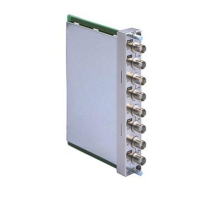
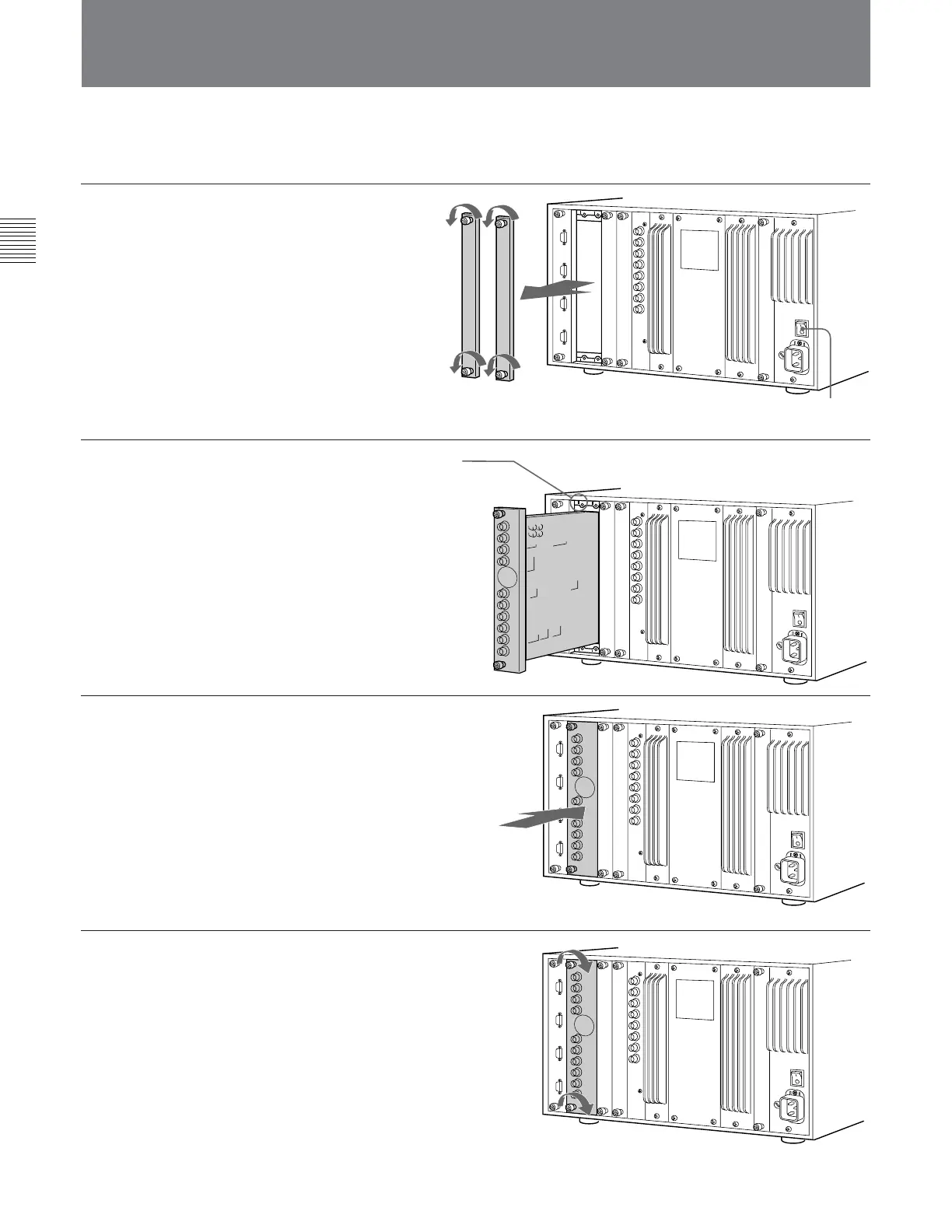
1 Remove the two covers of the
input option slots on the rear
panel of your video monitor.
2 Insert the adaptor below the
alignment mark on the left of
the upper screw hole of the
slot.
3 Push the adaptor in until it is
firmly seated in the connector
inside your video monitor.
4 Tighten the both upper and
lower screws to retain the
adaptor.
Installing into Video Monitors
Check to be sure that the video monitor's MAIN POWER switch is off.
Each adaptor can be installed in any input option slot .
The BKM-41HD/42HD require two slots.
Always turn your video monitor's MAIN POWER
switch off before installing or removing the adaptor.
Alignment mark
Insert the adaptor
below the mark.
Covers of input
option slots


 To Next Page
 Loading...