EasyManua.ls Logo

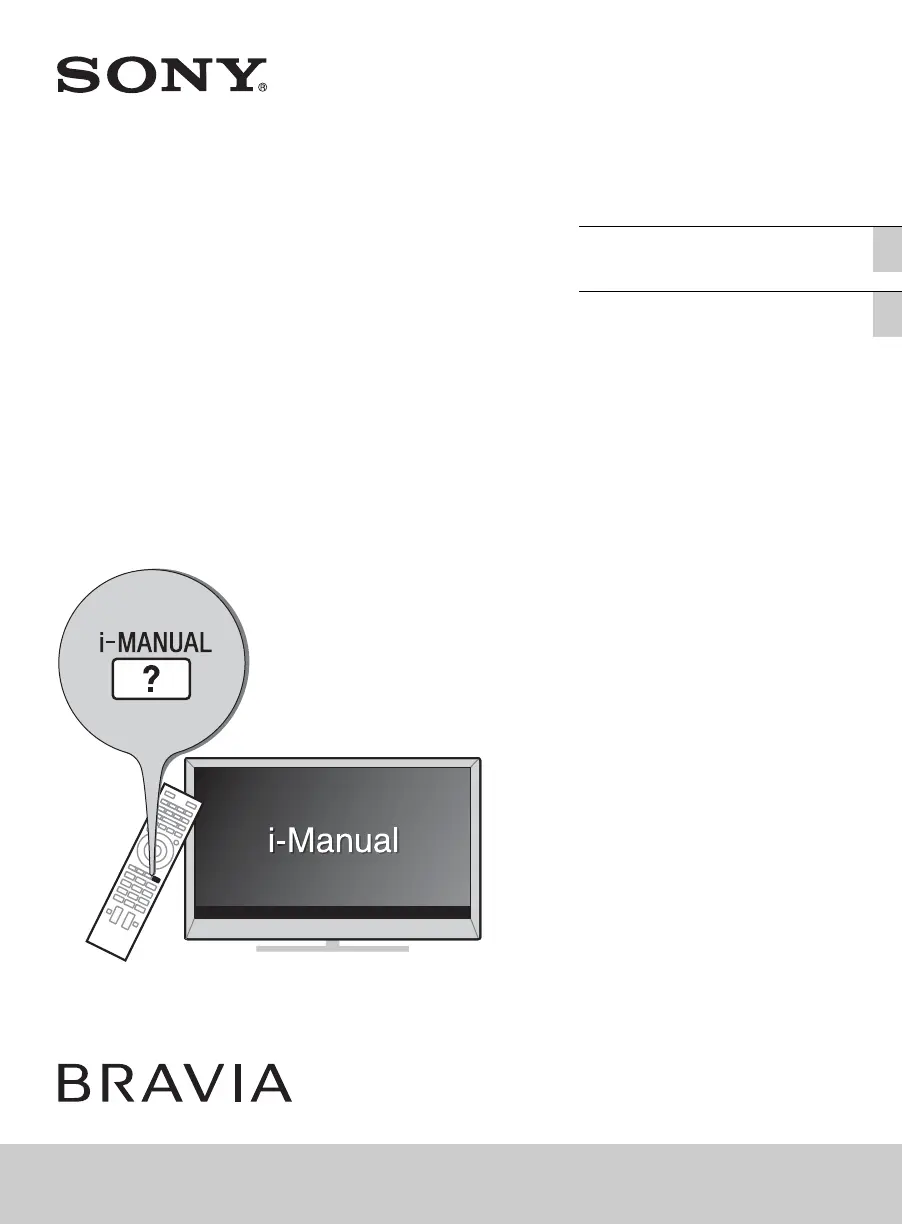
Sony BRAVIA KDL-50W800B - User Manual

Sony BRAVIA KDL-50W800B
92 pages
Print Icon
To Next Page IconTo Next Page
Loading...
D:\SONY TV\SY140003_Clover 1 (Rev-1)\4488200121_US\US01COV.fm
KDL-50W800B/50W790B/42W700B/32W700B
4-488-200-12(1)
4-488-200-12(1)
Television
Téléviseur
KDL-50W800B / 50W790B / 42W700B / 32W700B
Sony Customer Support
U.S.A.:
http://www.sony.com/tvsupport
Canada:
http://www.sony.ca/support
United States Canada
1.800.222.SONY 1.877.899.SONY
Please Do Not Return
the Product to the Store
Operating Instructions
(Setup Guide)
US
Mode d’emploi
(Guide d’installation)
FR
Service à la clientèle Sony
Canada :
http://support.sony.ca/fr
États-Unis :
http://www.sony.com/tvsupport
Canada États-Unis
1.877.899.SONY 1.800.222.SONY
Ne retournez pas le produit au magasin

Table of Contents

Other manuals for Sony BRAVIA KDL-50W800B

Questions and Answers

  • T
    Tony DavisJul 31, 2025
    What to do if Sony LCD TV remote control does not work?
    • L
      Linda McdanielAug 1, 2025
      If your Sony LCD TV remote control isn't working, first, try replacing the batteries. If that doesn't solve the issue, your TV might be in SYNC mode. Press the SYNC MENU button, then select [TV Control] and choose either [Home (Menu)] or [Options] to regain control of your TV.
  • G
    Grant WilsonAug 5, 2025
    Why is there no picture and sound on my Sony LCD TV?
    • J
      Jason NelsonAug 5, 2025
      If your Sony LCD TV has no picture and no sound, check the antenna or cable connection. Also, ensure the TV is connected to AC power (mains) and press the power button on the TV or remote control.
  • J
    Jordan CarrilloAug 10, 2025
    What to do if Sony BRAVIA KDL-50W800B LCD TV is frozen?
    • C
      Caroline BaileyAug 10, 2025
      If your Sony LCD TV has frozen audio or video, a blank screen, or isn't responding to the TV or remote control buttons, perform a simple reset. Unplug the AC power cord (mains lead) for two minutes, and then plug it back in.
  • T
    Todd StokesAug 15, 2025
    What to do if Sony BRAVIA KDL-50W800B cannot find the required network name in network setup?
    • C
      Carlos McmillanAug 15, 2025
      If you cannot find the required network name in the network setup of your Sony LCD TV, select [[Manual Entry]] and press the enter button to manually enter the network name.
  • J
    Jessica GarciaAug 20, 2025
    How to reset parental lock password on Sony BRAVIA KDL-50W800B?
    • D
      David RitterAug 20, 2025
      If you've forgotten the Parental Lock password on your Sony LCD TV, enter 9999 as the PIN code. This PIN code is always accepted.
  • W
    William MorrisAug 26, 2025
    Why does Sony LCD TV get warm?
    • S
      Sarah HernandezAug 26, 2025
      When the Sony LCD TV is used for an extended period, the TV surrounds become warm. You may feel hot when touching there by the hand.

Summary

Connecting the TV

Securing the TV

Preventing the TV from Toppling

Advises on methods and locations to avoid for preventing the TV from falling.

Recommended Measures to Secure the TV

Details specific measures and hardware for securely mounting the TV.

Connecting the TV to the Internet

Running initial setup

Watching TV

Using the remote control

Discovering the contents you like (Discover)

Enjoying social networking while watching TV (Social Viewing)

Selecting various contents and tools (Home Menu)

Selecting a Tool

Looking for instructions in the electronic manual (i-Manual)

Troubleshooting

How to care for your BRAVIA TV

Specifications

Installing the TV to the Wall

Safety Information

Sony BRAVIA KDL-50W800B Specifications

General IconGeneral
Screen Size50 inches
Resolution1920 x 1080 pixels
Display TypeLCD
Backlight TypeLED
HDMI Ports4
USB Ports3
Wi-FiYes
Smart TVYes
3DNo
BluetoothNo
Audio Output20 W
Operating SystemSony Entertainment Network

Related product manuals