EasyManua.ls Logo

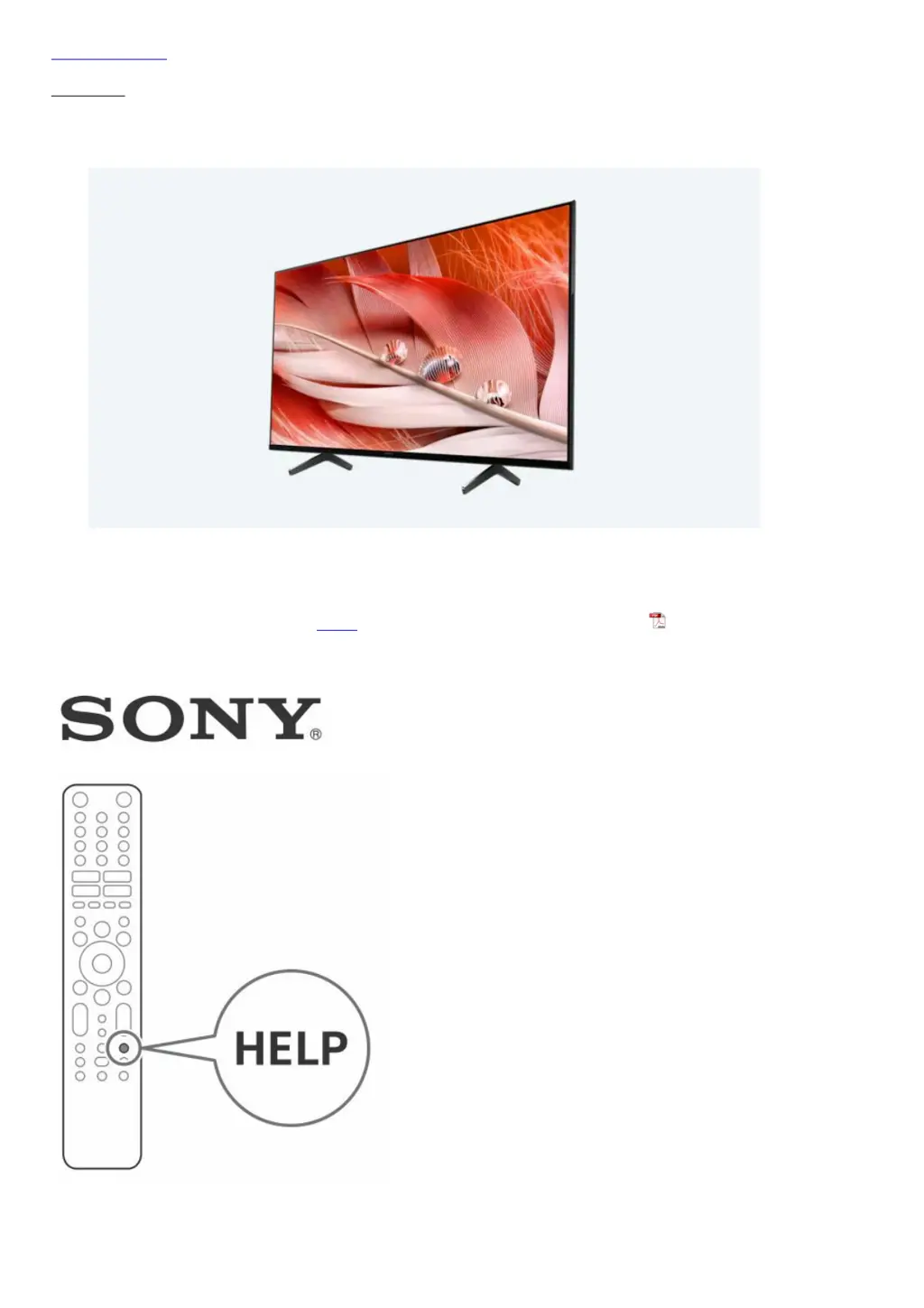
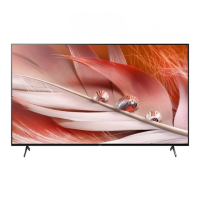
Sony Bravia XR-75X90J - User Manual

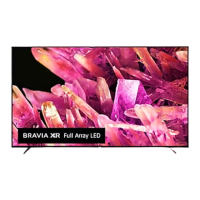
Sony Bravia XR-75X90J
20 pages
Print Icon
To Next Page IconTo Next Page
Loading...
Skip to content
Manuals+
User Manuals Simplified.
SONY Bravia Television User Guide
Home » Sony » SONY Bravia Television User Guide
SONY Bravia Television User Guide
Read this manual before using this product
Sony Customer Support

Other manuals for Sony Bravia XR-75X90J

Questions and Answers

  • R
    randolphstephanieJul 28, 2025
    What to do if my Sony Bravia XR-75X90J TV does not respond?
    • V
      Vincent CarrJul 28, 2025
      If your Sony TV isn't responding, try these steps: 1. Restart the TV by pressing and holding the power button on the remote for about five seconds. If it doesn't restart, unplug the TV, press and release the power button on the TV, wait two minutes, and then plug it back in. 2. Alternatively, press and hold the power button on the TV itself for about 40 seconds until it shuts off. 3. Connect your TV to the Internet and perform a software update. 4. Wait about one minute after plugging in the TV, then try using it again.
  • R
    Ryan TaylorAug 2, 2025
    What to do if Sony TV does not respond after turning it on?
    • D
      Daniel GarciaAug 2, 2025
      If your Sony TV isn't responding after you turn it on, you can try a few things. First, restart your TV by pressing the power button on the remote control for about five seconds. If that doesn't work, unplug the TV from the mains, then press and release the power button on the TV itself. Wait two minutes, then plug the TV back in. Alternatively, press the power button on the TV for about 40 seconds until it turns off.
  • W
    washingtonashleyAug 6, 2025
    What to do if my Sony LCD TV does not turn on?
    • S
      Sarah WilsonAug 7, 2025
      If your Sony LCD TV doesn't turn on, there are several things you can try: * First, restart your TV by pressing the power button on the remote control for about five seconds. * If that doesn't work, unplug the AC power cord, then press the power button on the TV and release it. Wait two minutes, and then plug the AC power cord back in. * Alternatively, you can press the power button on the TV for about 40 seconds until the TV turns off. Wait about one minute, then try operating it again.
  • C
    Christopher AdamsAug 11, 2025
    How to reset parental lock password on Sony Bravia XR-75X90J TV?
    • L
      lloveAug 11, 2025
      If you've forgotten the parental lock password on your Sony TV, enter '9999' as the PIN, and then enter a new PIN.
  • R
    Rebecca SchultzAug 16, 2025
    What to do if I forgot the parental lock password on my Sony Bravia XR-75X90J?
    • S
      Sean ChristianAug 16, 2025
      If you've forgotten the parental lock password on your Sony TV, enter 9999 for the PIN and then enter your new PIN.
  • E
    Eric MoranAug 22, 2025
    What to do if I forgot the parental lock password on my Sony LCD TV?
    • A
      amber19Aug 22, 2025
      If you've forgotten the parental lock password on your Sony LCD TV, enter 4357 for the PIN, then enter the new PIN you want to use.

Summary

Safety Information

Wall-Mount Bracket Information

Preventing the TV from Toppling

Securing the TV to a Wall or Stand

Measures to prevent the TV from toppling over, ensuring safety and stability.

Safe Placement and Usage

Avoids unstable surfaces, climbing, and hanging items on the TV.

Securing the TV to a Stand

Attaching Angle Braces

Instructions for using angle braces to secure the TV stand to the wall.

Wall-Mounting Procedures

Securing the TV to the Stand

Steps for attaching the TV to the stand using screws and rope/chain.

Anchoring the TV to the Wall

Guide for anchoring the TV to the wall using bolts, anchors, and chain/rope.

The BRAVIA 4 K TV Experience

Connecting HD Sources

Instructions for connecting HD sources like service providers, Blu-ray players, and antennas.

Remote Control Overview

Remote Control Button Functions

Details the functions of various buttons on the remote control.

Guidelines for IR Remote Control

Installing the TV to the Wall

Wall-Mount Bracket (SU-WL855 only)

Details for using the optional SU-WL855 wall-mount bracket.

Professional Installation Recommendation

Sony strongly recommends professional installation for safety and product protection.

Wall-Mount Bracket Installation

Bracket Installation Guide

Follow provided guides; expertise needed for wall strength assessment.

Preparing TV for Wall Mounting

Steps to prepare the TV for wall mounting before connecting cables.

Wall-Mount Hole Patterns

Attaching the Wall-Mount Bracket

Securing the Bracket to the TV

Instructions for attaching the wall-mount bracket using screws.

Detaching the Table-Top Stand

Troubleshooting

General Troubleshooting Steps

Steps for common issues like black screen, no sound, or network loss.

Resetting the TV to Factory Settings

Factory Data Reset Procedure

Instructions on how to perform a factory data reset and its implications.

System Specifications

Connectivity and Dimensions

Sony Bravia XR-75X90J Specifications

General IconGeneral
Screen Typeled
Colorblack
Wall Mount300mm x 300mm
Tunerdigital
Screen Size74.5 inches, 75 inches
Screen Technologystandard led
Resolution4k (2160p)
Refresh Rate120hz
Closed Captioningyes
Motion Enhancementmotionflow xr 240
HDRyes
HDR Formathdr 10, hybrid log-gamma (hlg), dolby vision
Built-In Speakerstrue, downward firing
Surround Sounddts digital surround
HDMI Ports4
HDMI 2.1 Ports2
HDMI ARC Portsyes
USB Ports2
USB 2.0 Ports2
Ethernetyes
RF Antennayes
Bluetoothtrue, 4.2
Networkbuilt-in wi-fi, ethernet
Digital Optical Audio Outputs1
Component Video Inputs0
Composite Video Inputs1
DVI0
SmartTVgoogle tv
Streaming Servicesparamount+, disney+, hbo max, hulu, netflix, prime video, showtime, starz, sling tv, youtube, peacock
Smart Applicationsamazon alexa, google assistant
Voice Assistantamazon alexa, google assistant
Remote Controlvoice control
3Dno
Power Consumption231 kilowatt hours
Depth with Stand16.25 inches
Height with Stand41 inches
Width with Stand66 inches
Net Weight with Stand76 pounds
Depth without Stand2.87 inches
Height without Stand37.87 inches
Net Weight without Stand73.4 pounds

Related product manuals