Getting started
Preparing your accessory for use with an Xperia™ device
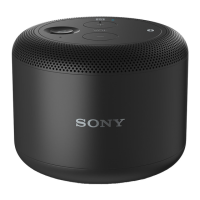
Before you can use your BSP10 accessory with an Xperia™ device, for example, to
play music or handle incoming calls, you must first pair the two devices. You can pair
your BSP10 accessory with an Xperia™ device using either the Bluetooth® or NFC
functions. Once the devices are paired, your BSP10 accessory automatically
establishes a connection with the Xperia™ device.
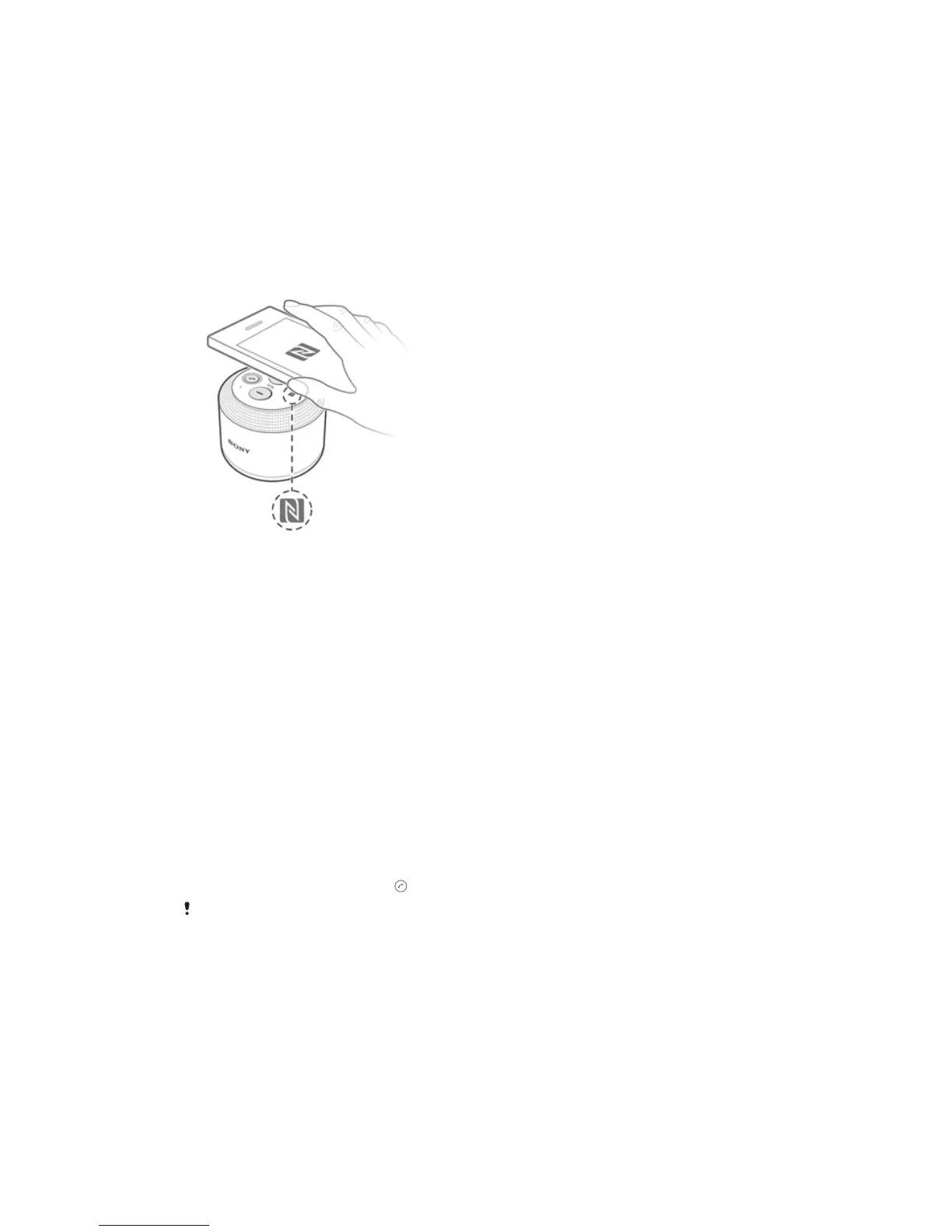
To pair the BSP10 with an Xperia™ device using NFC
1
Xperia™ device: Make sure that the NFC function is turned on and that the
screen is active and unlocked.
2
BSP10: Press and hold down the power button until you hear a beep and a
blue notification light flashes rapidly.
3
Position your Xperia™ device in such a way that the NFC detection area of
each device touches the other. When the BSP10 accessory is successfully
paired with the Xperia™ device, the notification light turns solid blue.
To pair the BSP10 with an Xperia™ device using Bluetooth®
1
Xperia™ device: Make sure the Bluetooth® function is turned on.
2
BSP10: Press and hold down the power button until you hear a beep and a
blue notification light flashes rapidly.
3
Xperia™ device: Search for and connect to the BSP10 accessory. When the
accessory is successfully paired with the Xperia™ device, the notification light
turns solid blue.
To answer incoming calls with the BSP10
1
Make sure the BSP10 accessory is connected with an Xperia™ device that
supports call handling.
2
When a call comes in, press
.
The calling function is not supported for VoIP (Voice-over-Internet Protocol) calls.
To listen to music with the BSP10
1
Make sure the BSP10 accessory is connected with an Xperia™ device.
2
Play an audio or video file on the Xperia™ device. The sound is automatically
played through the speakers of the paired BSP10 accessory.
5
This is an Internet version of this publication. © Print only for private use.


 To Next Page