CCB-WD1
4-735-433-11(1)
GB
12
C:\4735433111\4735433111CCBWD1CEE\01GB-CCBWD1CEE\01GB.indd
DTP data saved: 2017/11/29 16:03
PDF file created: 2017/11/29 16:09
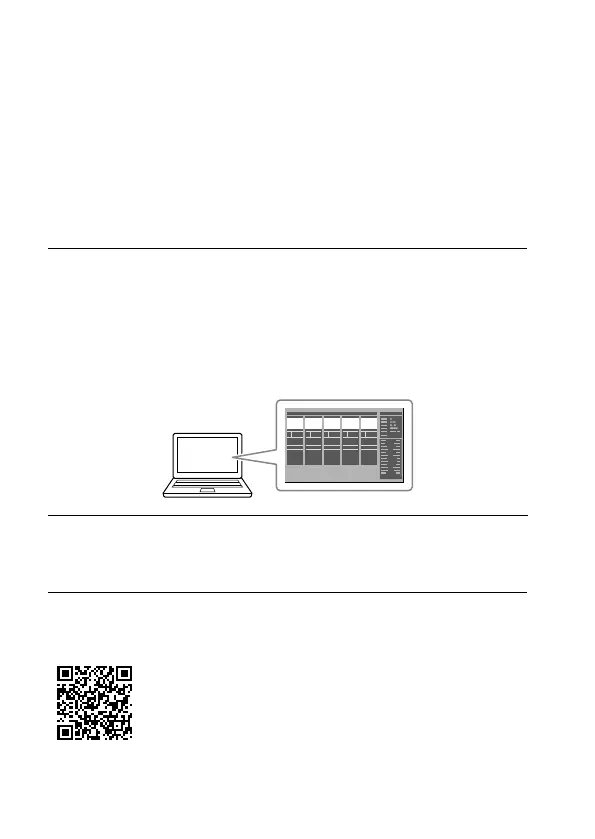
Operating the camera from the computer
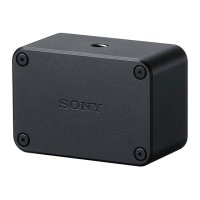
You can operate the camera from a web browser on the computer by
connecting the product to the camera and the computer.
Recommended computer environment
OS: Windows 7/Windows 8.1/Windows 10
Mac OS X 10.11/macOS 10.12 - 10.13
Web browser: Google Chrome/Internet Explorer/Safari
1
Launch a web browser on the computer, and then enter the
following URL into the address bar.
URL:
http://169.254.200.200/
• The URL can also be found on the bottom of the product.
The screen for operating the camera will appear on the web browser.
2
Turn the camera on.
• Make sure that the battery inside the camera is sufficiently charged.
• You can also turn the camera on from the web browser.
For details on how to operate the camera from the web browser, refer to
the “Help Guide.”
“Help Guide” (Web manual)
http://rd1.sony.net/help/dsc/1760/h_zz/





 To Next Page