106
Trouble check
First three digits
C21
C22
C23
C31
C32
E61
E62
• Moisture condensation has occurred.
m Remove the cassette and leave the camcorder for at least 1
hour. (p. 97)
• The video heads are dirty.
m Clean the heads using the Sony V8-25 CLH cleaning cassette
(not supplied). (p. 98)
• The camcorder does not operate when using a battery pack that
is not an “InfoLITHIUM” battery pack.
m Use an “InfoLITHIUM” battery pack. (p. 7)
• To prevent the camcorder from malfunctioning, the self-
diagnosis function has worked.
m Remove the cassette and insert it again, then operate the
camcorder. (p. 11)
• To prevent the camcorder from operating malfunctioning, the
self-diagnosis function has worked.
m Disconnect the mains lead of the AC power adaptor or remove
the battery pack. After reinstalling the power source, operate
the camcorder.
• To prevent the camcorder from malfunctioning, the self-
diagnosis function has worked.
m When you contact your Sony dealer or local authorized Sony
service facility, inform the service number with five digits.
(example: E:61:10)
Cause and/or Corrective Action
H STBY
C:21:00
53 min.
SP
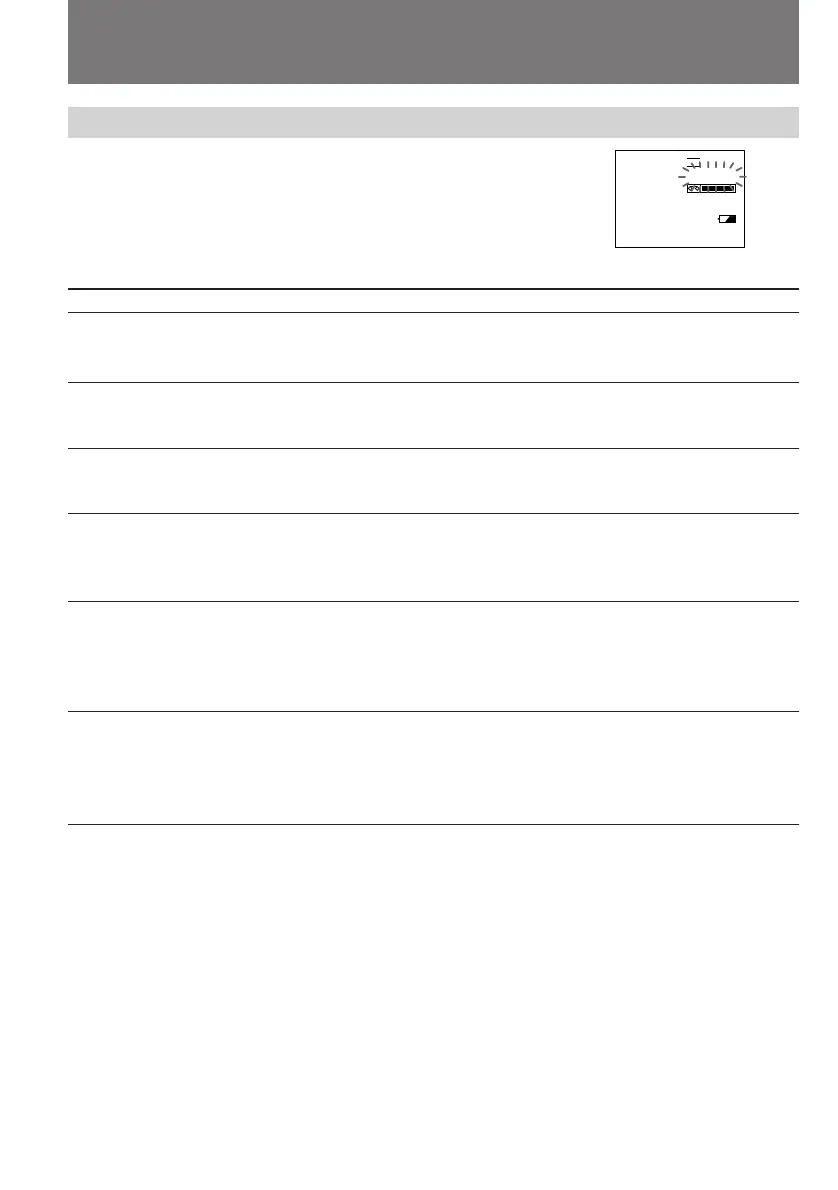
Self-diagnosis function
In the self-diagnosis function works to prevent
the camcorder from malfunctioning, a five-digit
service number (combination of a letter and
figures) flashes in the viewfinder or on the LCD
screen. In this case, check the following table.
If a difficulty persists after checking the problem a few times, contact your Sony dealer or local
authorized Sony service facility.



 To Next Page