7
Notes on CD-R discs
• You can play CD-Rs (recordable CDs)
designed for audio use on this unit.
Look for this mark to distinguish CD-Rs for
audio use.
This mark denotes that a disc is not for
audio use.
• Some CD-Rs (depending on the equipment
used for its recording or the condition of the
disc) may not play on this unit.
• You cannot play a CD-R that is not
finalized*.
* A process necessary for a recorded CD-R disc to
be played on the audio CD player.
Getting Started
Resetting the unit
Before operating the unit for the first time or
after replacing the car battery, you must reset
the unit.
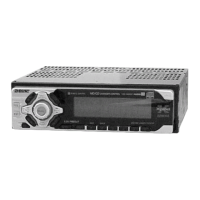
Remove the front panel and press the
RESET button with a pointed object, such as
a ballpoint pen.
Note
Pressing the RESET button will erase the clock setting
and some stored contents.
RESET button


 To Next Page