13
Operating an iPod directly
— Passenger control
You can operate an iPod directly even when
connected to the dock connecter.
1 During playback, press and hold
.
“MODE IPOD” appears and you will be
able to operate the iPod directly.
To exit the passenger control, press and
hold .
Then “MODE AUDIO” will appear and the
play mode will change to iPod mode.
Note
The volume can be adjusted only by the unit.
Pandora® internet
radio via USB (iPhone)
Pandora® internet radio is available to
stream music through your iPhone. You can
control Pandora® on a USB-connected
iPhone from this unit.
Download the latest version of the Pandora®
application and obtain more information
from www.pandora.com
For details on usable devices, visit the
support site on the back cover.
Notes
• Certain Pandora® service functions may not be
available.
• The Pandora® service is only available in the
U.S.
Streaming Pandora®
Before connecting the iPhone, turn down
the volume of the unit.
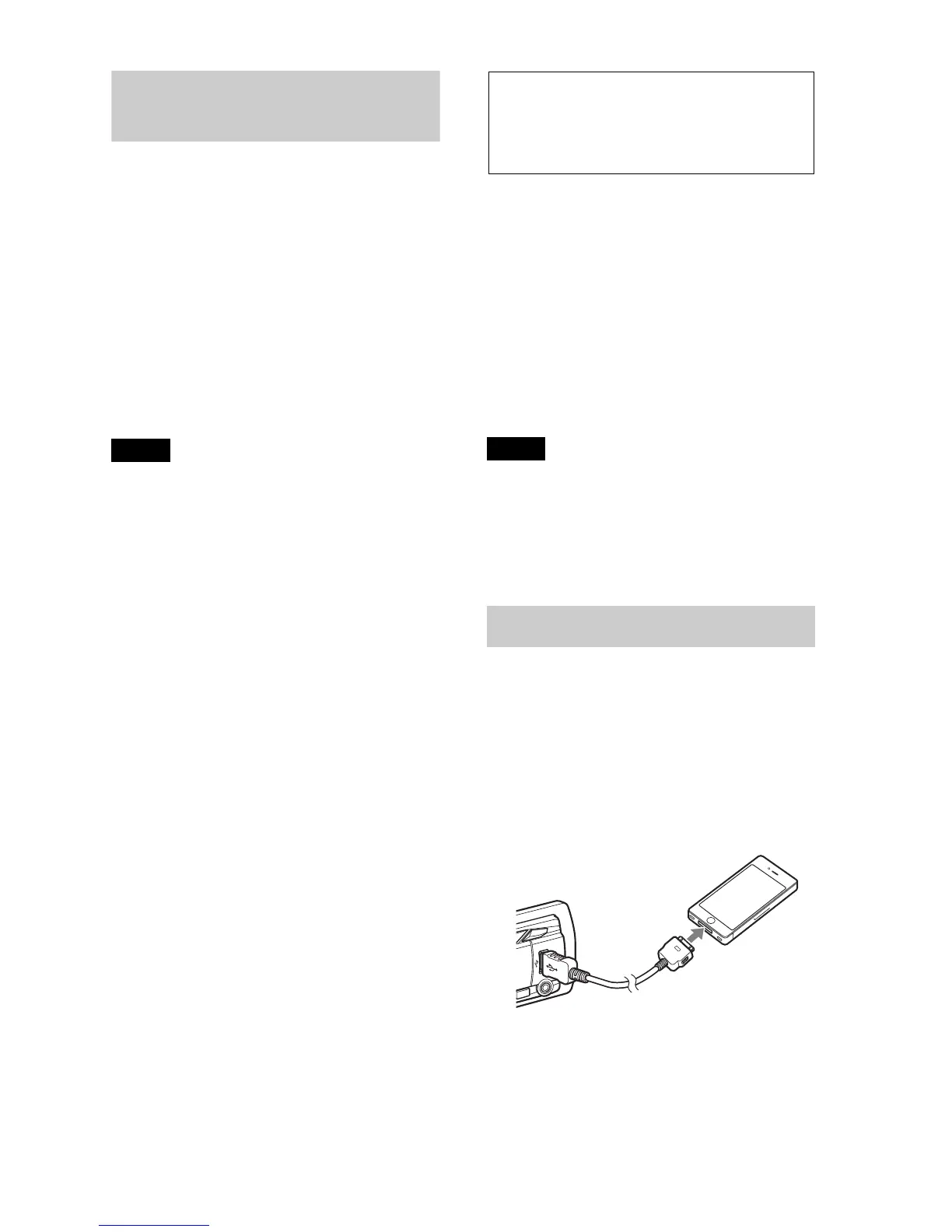
1 Connect the iPhone to the USB port
with a USB connection cable for
iPhone (not supplied)*
* RC-100IP USB connection cable for iPhone
is recommended.
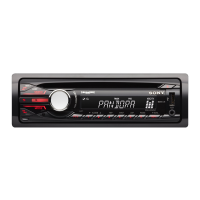
2 Press repeatedly until
“PANDORA USB” appears.
3 Launch Pandora® application on the
iPhone.
4 Adjust the volume on this unit.


 To Next Page