6
Location of controls and basic operations
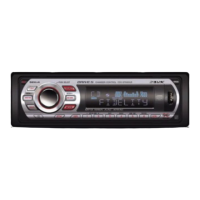
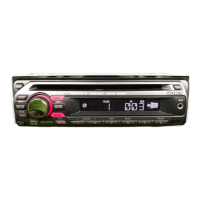
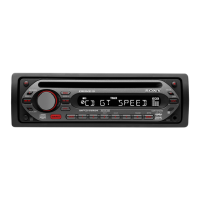
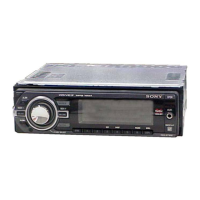
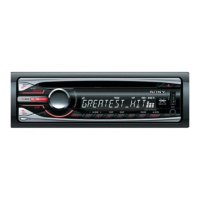
Main unit
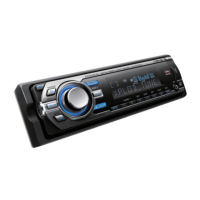
Front panel removed
Card remote commander
RM-X151
Refer to the pages listed for details. The
corresponding buttons on the card remote
commander control the same functions as those
on the unit.
A OFF button
To power off; stop the source.
B DSO button 4
To select the DSO mode (1, 2, 3 or OFF).
The larger the number, the more enhanced
the effect.
C Volume control dial/select button 10
To adjust volume (rotate); select setup items
(press and rotate).
D SOURCE button
To power on; change the source (Radio/CD/
MD*
1
/USB/AUX).
E Display window
F USB terminal 9
To connect to the USB device.
G OPEN button 5
OFF
OPEN
DSPL SCRL
SEEK SEEK
PAUSE
GP/ALBM
REP SHUF
BBE MP
PUSH SELECT
123456
MODE
DSO
BTM
EQ3
SOURCE
1
q;
9 qa qd qhqs
2
qg
4 5
8
67
3
CDX-GT660US
CDX-GT660U
qf
RESET
qk qlqj
OFF
DSPL
SCRL
SEL
SOURCE
MODE
132
465
ATT
VOL
+
–
+
–
4
wd
qs
1
qh
w;
qd
ws
wa
wg
wf



 To Next Page
 Loading...