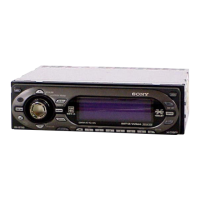
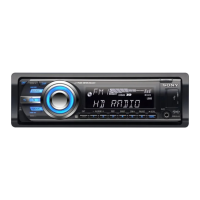
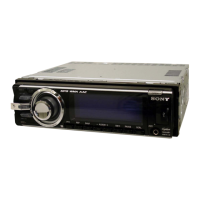
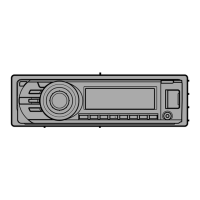
7
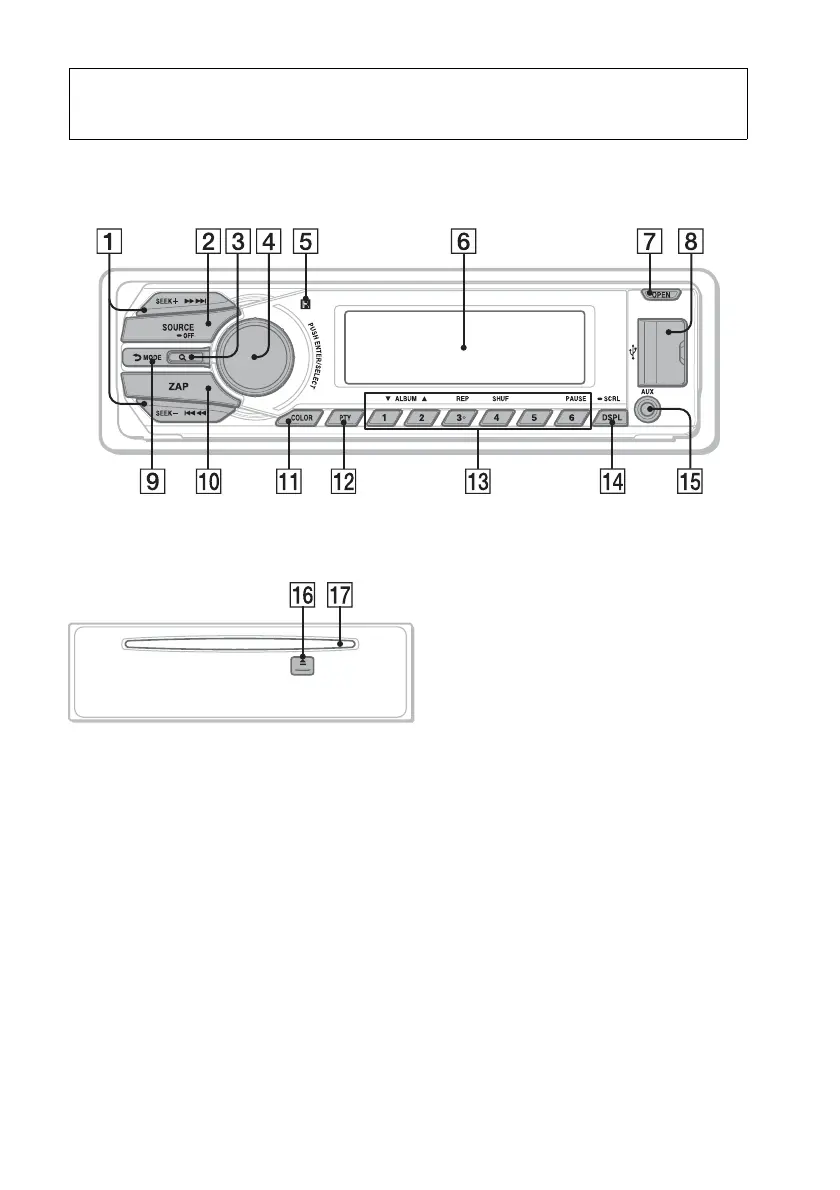
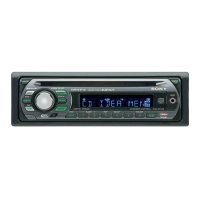
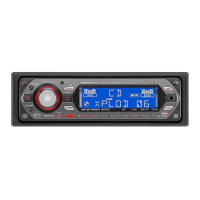
Location of controls
Main unit
Front panel removed This section contains instructions on the
location of controls and basic operations.
SEEK +/– buttons
Radio:
To tune in stations automatically
(press); find a station manually (press
and hold).
CD/USB:
To skip tracks (press); skip tracks
continuously (press, then press again
within about 1 second and hold);
reverse/fast-forward a track (press and
hold).
SensMe™:
To skip tracks (press); reverse/fast-
forward a track (press and hold).
SOURCE/OFF button
Press to turn on the power/change the
source (Radio/CD/USB/SensMe™*
1
/
AUX).
Press and hold for 1 second to turn off
the power.
Press and hold for more than 2 seconds
to turn off the power and the display
disappears.


 To Next Page