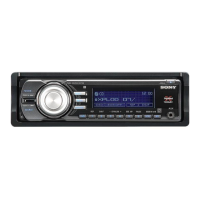
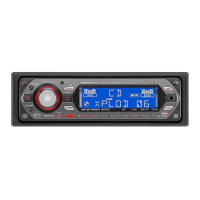
8
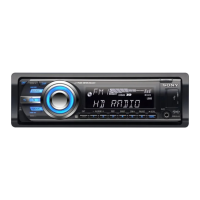
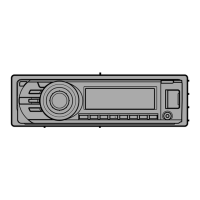
(BROWSE) button page 18
To enter the Quick-BrowZer™ mode.
Control dial/select button
page 21, 24
To adjust volume (rotate); select setup
items (press and rotate).
Receptor for the remote
commander
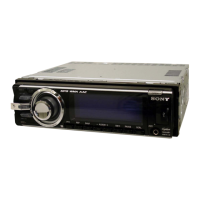
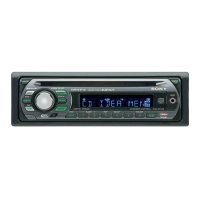
Display window
OPEN button page 6, 12
USB connector page 12, 14, 15
(BACK)/MODE button page 10, 16
Press to return to the previous display/
select the radio band (FM/AM).
Press and hold to enter/cancel the
passenger control.
ZAP button page 19
To enter ZAPPIN™ mode.
COLOR button page 20
To select the preset colors (press);
register custom color settings (press and
hold).
PTY button page 11
To select PTY in RDS.
Number buttons
Radio:
To receive stored stations (press); store
stations (press and hold).
CD/USB/SensMe™:
/: ALBUM / (during MP3/
WMA/AAC playback)
To skip albums/change SensMe™
channels (press); skip albums
continuously (press and hold).
: REP*
2
page 17
: SHUF page 17
: PAUSE
To pause playback. To cancel,
press again.
DSPL (display)/SCRL (scroll) button
page 11, 12, 13, 16
To change display items (press); scroll
the display item (press and hold).
AUX input jack page 26
(eject) button
To eject the disc.
Disc slot
Insert the disc (label side up), playback
starts.
*1 When a USB device set up for the SensMe™
function is connected.
*2 This button has a tactile dot.
Note
If the unit is turned off and the display
disappears, it cannot be operated with the remote
commander unless on the unit
is pressed, or a disc is inserted to activate the unit
first.


 To Next Page