10
Searching for a track — Quick-BrowZer
You can search for a track in a CD or USB device (“Walkman”/Mass Storage Class) easily by category.
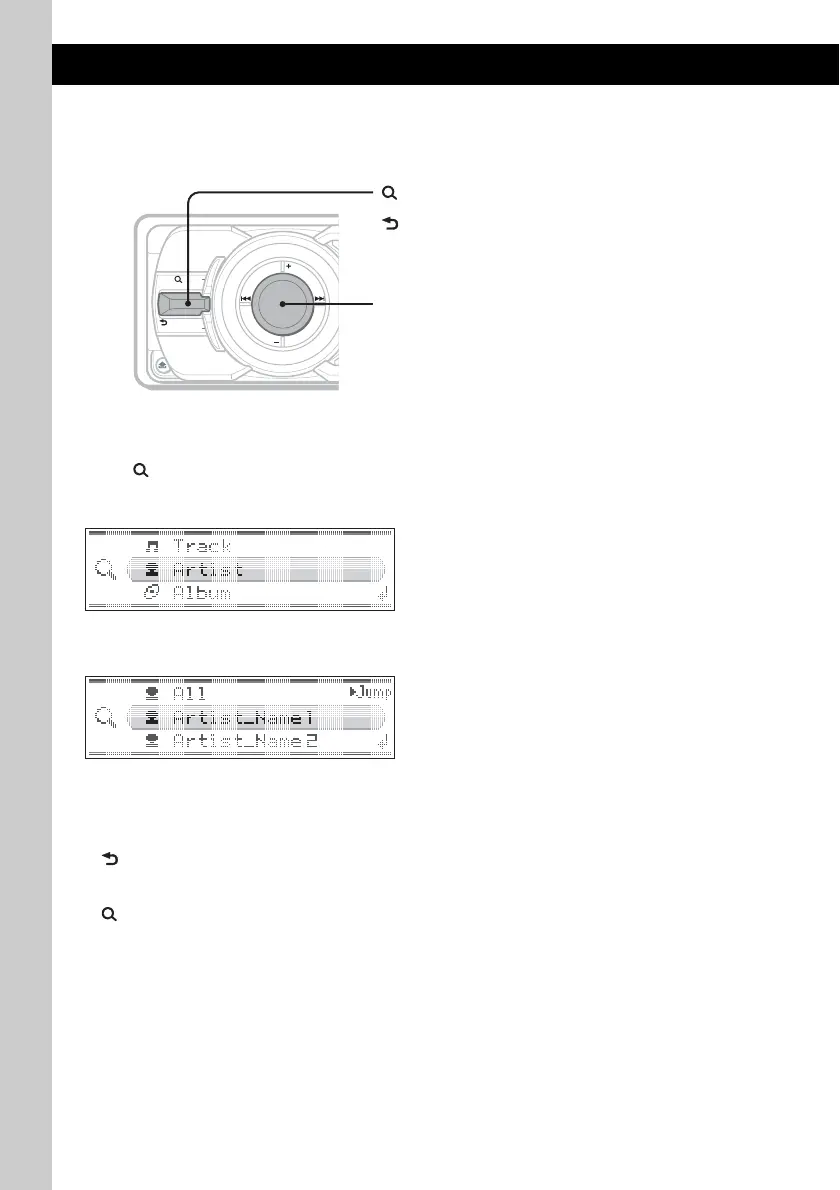
1 Push (LIST/BROWSE) up.
The unit enters the Quick-BrowZer mode, and the list of search categories appears.
Display items differ, depending on the type of device or disc.
2 Rotate the multi way encoder to select the desired search category, then press it to
confirm.
3 Repeat step 2 until the desired track is selected.
Playback starts.
To return to the previous display
Push (BACK) down.
To exit the Quick-BrowZer mode
Push (LIST/BROWSE) up.
Notes
• When entering the Quick-BrowZer mode, the repeat/shuffle setting is canceled.
• Depending on the USB device, display items may not appear correctly.
• Depending on the USB device, no sound may output during the Quick-BrowZer mode.
MODE
SOURCE
BACK
LIST/
BROWSE
SHUF
DSPL
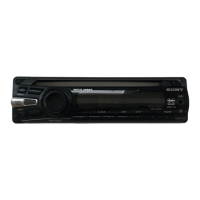
Multi way encoder:
To select the item (rotate); confirm the item (press).
(LIST/BROWSE):
To enter/exit the Quick-BrowZer mode.
(BACK):
To return to the previous display.



 To Next Page