13
Using optional equipment
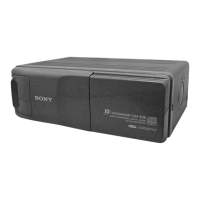
CD/MD changer
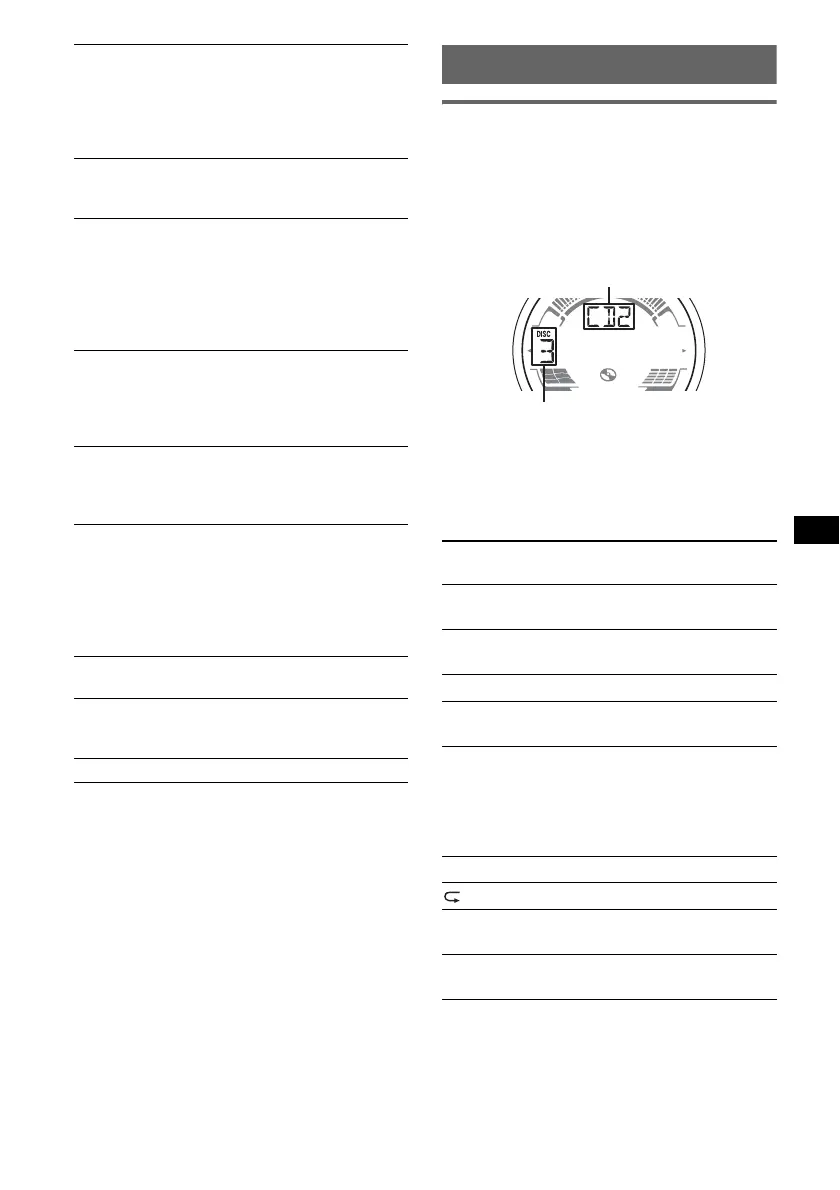
Selecting the changer
1 Press (SOURCE) repeatedly until “CD” or
“MD” appears.
2 Press (MODE) repeatedly until the desired
changer appears.
Playback starts.
Skipping albums and discs
1 During playback, press (1)/(2) (GP/ALBM
–/+).
Repeat and shuffle play
1 During playback, press (3) (REP) or (4)
(SHUF) repeatedly until the desired setting
appears.
*1 When one or more CD/MD changers are
connected.
*2 When one or more CD changers, or two or more
MD changers are connected.
DIM (Dimmer)
To change the brightness of the display.
–“DIM-AT” (
z): to dim the display
automatically when you turn lights on.
– “DIM-OFF”: to deactivate the dimmer.
– “DIM-ON”: to dim the display.
CONTRAST
To adjust the contrast of the display.
The contrast level is adjustable in 7 steps.
M.DSPL (Motion Display)
To select the Motion Display mode.
– “M.DSPL-LM” (
z): to show moving patterns
and level meter.
– “M.DSPL-OFF”: to deactivate the Motion
Display.
– “M.DSPL-ON”: to show moving patterns.
A.SCRL (Auto Scroll)
To scroll long displayed item automatically
when the disc/album/group/track is changed.
– “A.SCRL-ON” (
z): to scroll.
– “A.SCRL-OFF”: to not scroll.
LOCAL (Local seek mode)
– “LOCAL-OFF” (
z): to tune normal reception.
– “LOCAL-ON” : to only tune into stations with
stronger signals.
MONO*
3
(Monaural mode)
To improve poor FM reception, select monaural
reception mode.
– “MONO-OFF” (
z): to hear stereo broadcast in
stereo.
– “MONO-ON”: to hear stereo broadcast in
monaural.
REG*
1
*
3
(Regional)
To set “REG-ON” (
z) or “REG-OFF” (page 11).
LPF*
4
(Low Pass Filter)
To select the subwoofer cut-off frequency: “LPF
OFF” (
z), “LPF125Hz” or “LPF 78Hz.”
BTM (page 9)
*1 CDX-HR70MW/HR70MS only.
*2 When the unit is turned off.
*3 When FM is received.
*4 When the audio output is set to “SUB.”
To skip
Press (1)/(2) (GP/ALBM
–/+)
album and release (hold for a
moment).
album
continuously
within 2 seconds of first
releasing.
discs repeatedly.
discs
continuously
then, press again within 2
seconds and hold.
Select To play
DISC*
1
disc repeatedly.
SHUF
CHANGER*
1
tracks in the changer in random
order.
SHUF ALL*
2
tracks in all units in random
order.
continue to next page t
Unit number
Disc number


 To Next Page