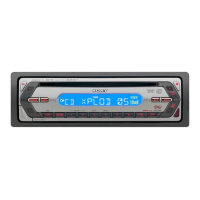
9
CD Player
Playing a disc
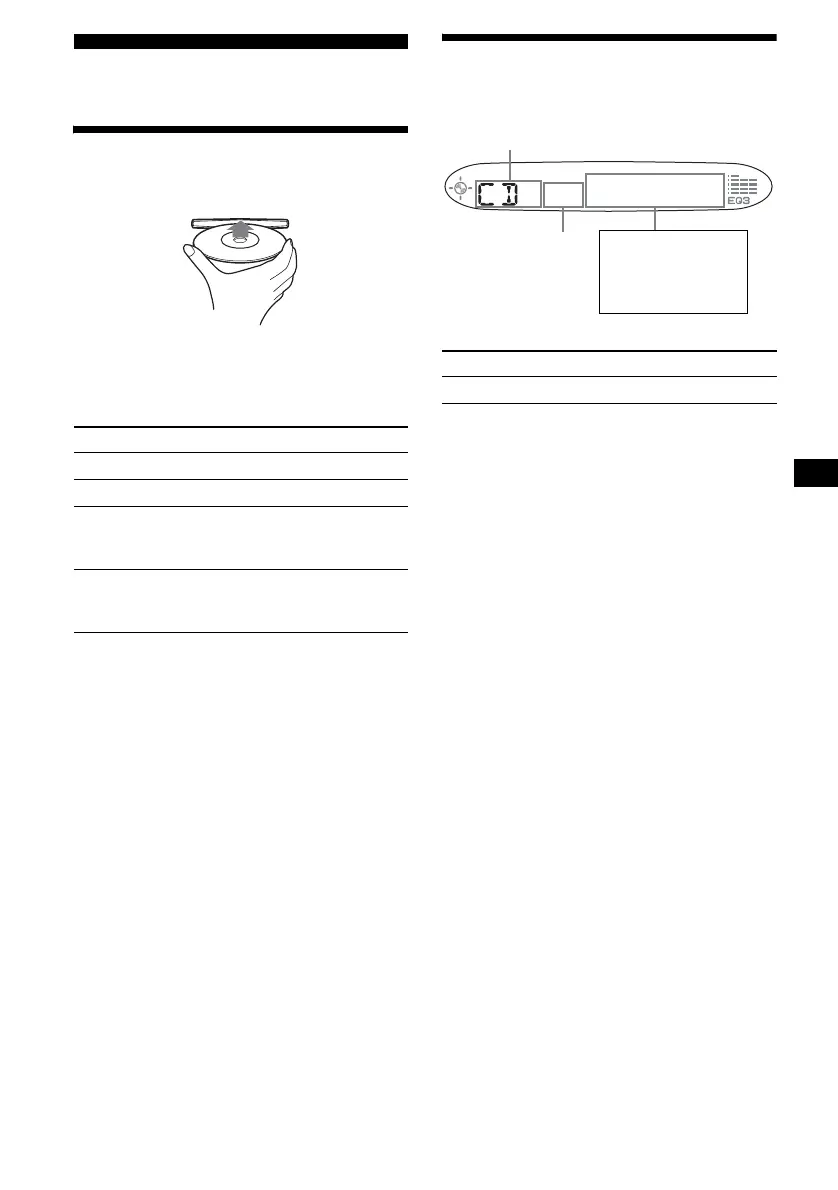
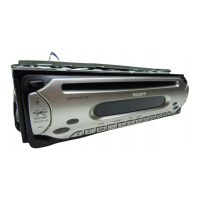
Insert the disc (labeled side up).
Playback starts automatically.
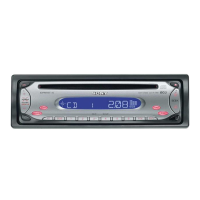
If a disc is already inserted, press (SOURCE)
repeatedly until “CD” appears to start playback.
Notes
• While the first/last track on the disc is playing, if
(SEEK) (–) or (SEEK) (+) is pressed, playback skips
to the last/first track of the disc.
• When the last track on the disc is over, playback
restarts from the first track of the disc.
Display items
The following items can be displayed.
To Press
Stop playback Z or (OFF)
Eject the disc Z
Skip tracks
–Automatic
Music Sensor
(SEEK) (–/+)
(./>)
[once for each track]
Fast-forward/
reverse
– Manual Search
(SEEK) (–/+)
(m/M)
[hold to desired point]
To Press
Switch display item (DSPL)
Source
Displayable items
• Elapsed playing
time
•Clock
Track number


 To Next Page