The Radio
17
Playing preset radio
stations
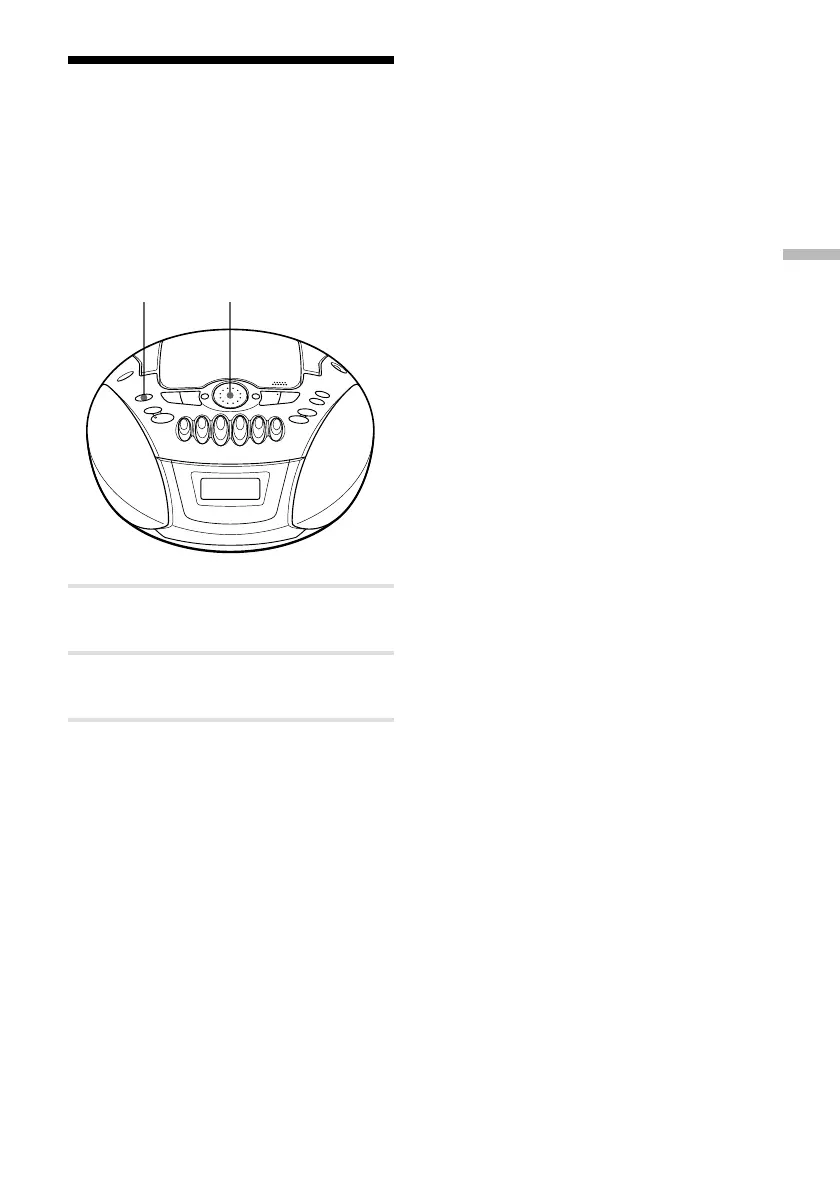
Once you've preset the stations, use the jog
dial on the player or the number buttons on
the remote to tune in to your favorite
stations.
1 Press RADIO BAND•AUTO PRESET
to select the band.
2 Turn the jog dial to tune in the stored
station.
On the remote
1 Press BAND until the band you want appears in
the display.
2 Press the number button to tune in a stored
station.
To tune in a preset station over 10, press >10
first, then the corresponding number buttons.
(Example: To tune in a preset station 12, press
>10 and 1 first , and then press 2.)
RADIO BAND
AUTO PRESET Jog dial






 To Next Page