Basic Operations
9
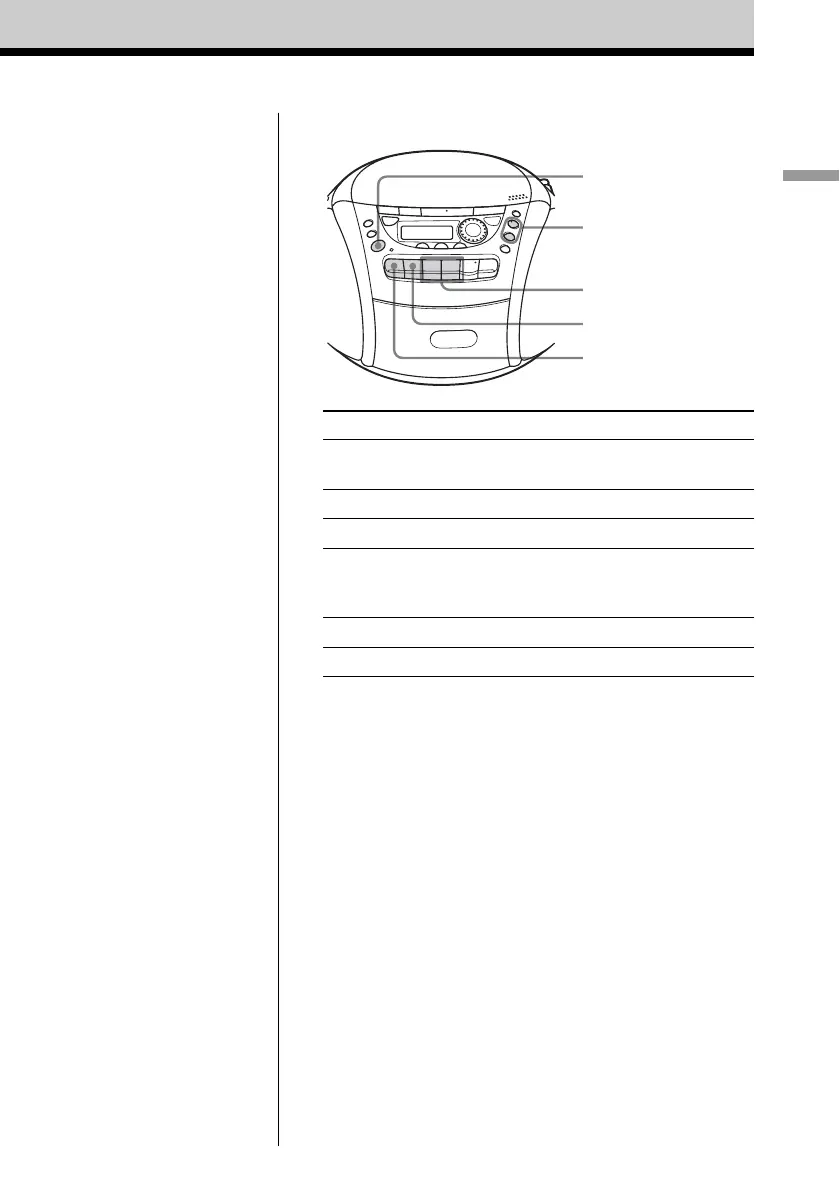
Use these buttons for additional operations
To Press
adjust the volume VOLUME +*, –
(VOL +, – on the remote)
stop playback xZ
fast-forward or rewind the tape m or M
pause playback X
Press the button again to
resume play after pause.
eject the cassette xZ
turn on/off the player POWER
* VOLUME + and n have a tactile dot.
xZ
X
m, M
POWER
VOLUME +, –











 To Next Page