10
Recording on a tape
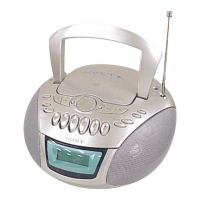
Connect the supplied AC power cord (see page 23).
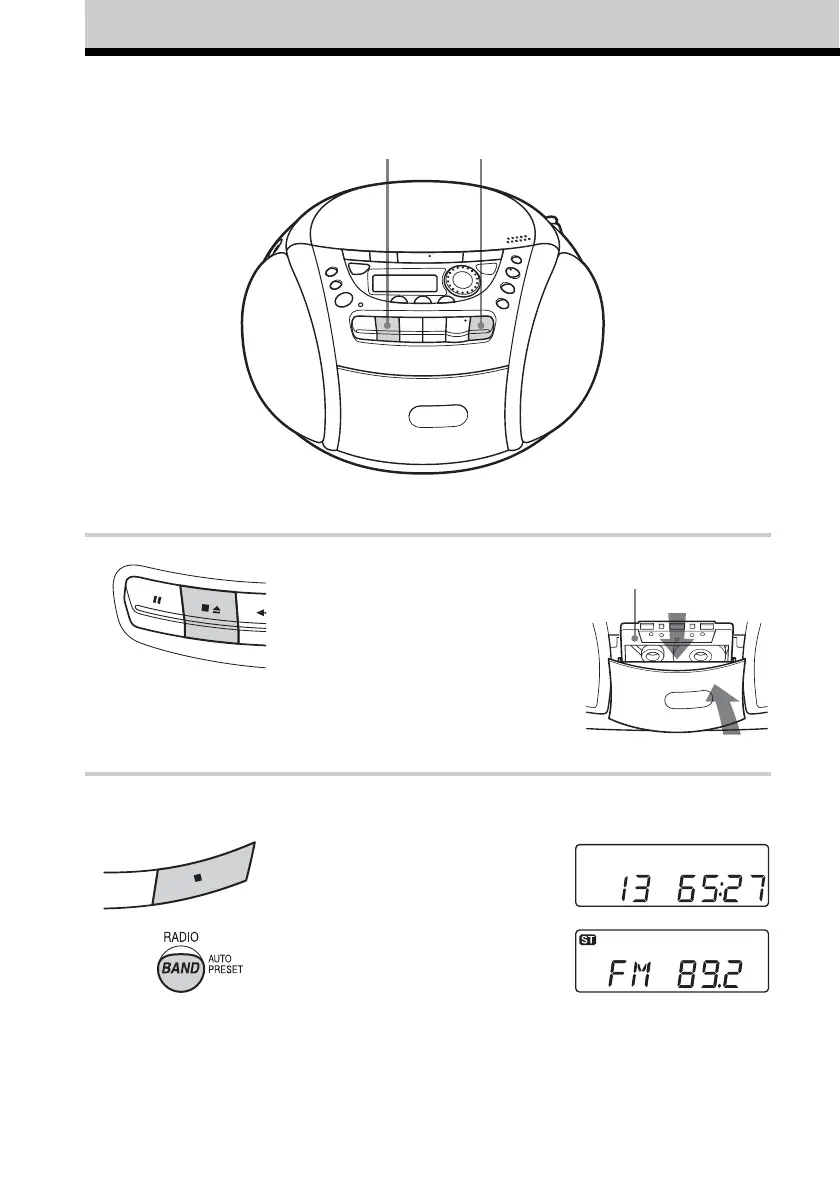
1 Press xZ to open the tape
compartment and insert a blank tape.
Use TYPE I (normal) tape only.
2 Select the program source you want
to record.
To record from the CD player, insert
a CD (see page 4) and press x on the
CD section.
To record from the radio, tune in the
station you want (see page 6).
3
With the side you want to
record on facing you
Display
1







 To Next Page