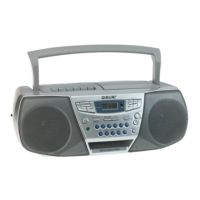
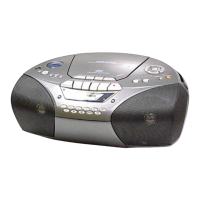
Presetting radio
stations
You can store radio stations into the player's
memory. You can preset up to 30 radio
stations, 20 for FM and 10 for AM in any
order.
DISPLAY
RADIO BAND ENT
AUTO PRESET MEMORY
Number
buttons
1 Press RADIO BAND.AUTO PRESET
to select the band.
2 Hold down RADIO BANDoAUTO
PRESET until "AUTO" flashes in the
display.
3 Press DISPLAyoENToMEMORY.
The stations are stored in memory from
the lower frequencies to the higher
ODES.
If a station cannot be preset
automatically
You need to preset a station with a weak
signal manually.
1 Press RADIO BAND*AUTO PRESET to
select the band.
2 Tune in a station you want.
3 Hold down the number buttons that you
want to preset the new station on for about
2 seconds.
To select the preset number over 10, press
> 10 first, then the corresponding number
buttons.
You need to hold down the last number
button to enter for about 2 seconds.
(Example: To select 12, press >10 and 1
first, then hold down 2 for about 2
seconds.)
-t
It
¢D
19


 To Next Page