4
Playing an audio CD or MP3 files
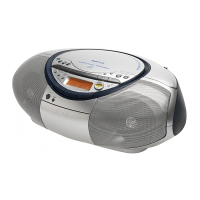
Connect the supplied mains lead (see page 23).
1 Press CD.
(On the remote, press OPERATE
(POWER, see page 2) and then press
FUNCTION repeatedly until "CD"
appears in the display.)
2 Press Z PUSH OPEN/CLOSE down
to open the CD compartment and
place the CD on the CD
compartment.
3 Close the lid of the CD compartment.
With the label side up
1
4 2, 3
Basic Operations


 To Next Page
 Loading...