Basic Operations
Basic Operations
7
EN
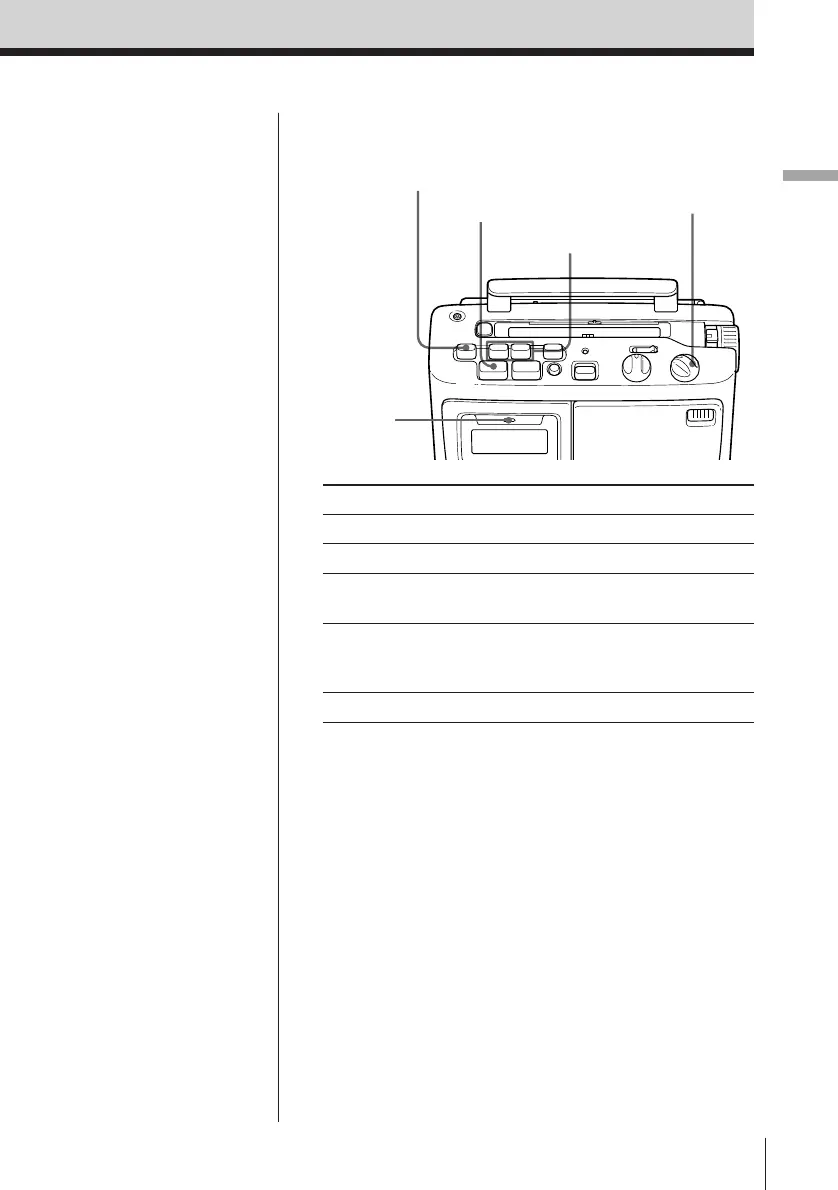
Use these buttons for additional operations
To Do this
Adjust the volume Turn VOLUME.
Stop playback Press p6 STOP/EJECT
Fast-forward or Press 0 FF or ) REW
rewind the tape*
Pause playback Press P PAUSE
Press the button again to
resume play after pause.
Eject the cassette Press p6 STOP/EJECT
*For the side facing forward
Tip
When a cassette is
inserted, the cassette
sensor button (Ø/TAPE
IN) comes out. You can
touch the cassette
compartment lid to find
out if the cassette is
inserted or not.
VOLUME
P PAUSE
p6 STOP/EJECT
0 FF/) REW
Cassette
sensor
button



 To Next Page