Basic Operations6
EN
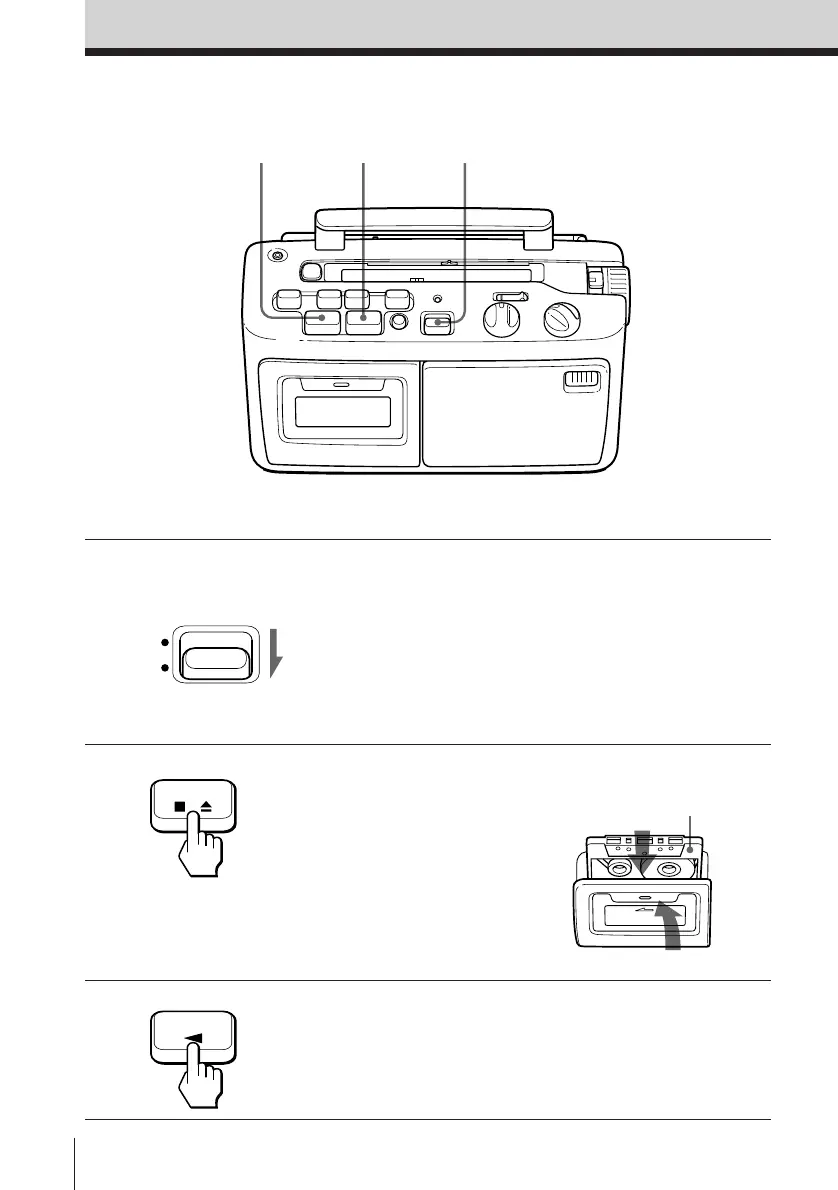
Playing a tape
Connect the supplied AC power cord (see page 11).
1 Set FUNCTION to TAPE (RADIO
OFF).
2 Press p6 STOP/EJECT to open
the tape compartment and insert
a recorded tape. Use TYPE I
(normal) tape only. Close the
compartment.
3 Press 9 PLAY.
With the side you want
to play facing forward
132
FUNCTION
TAPE
(RADIO OFF)
STOP/EJECT
PLAY



 To Next Page