Basic Operations
Basic Operations
9
EN
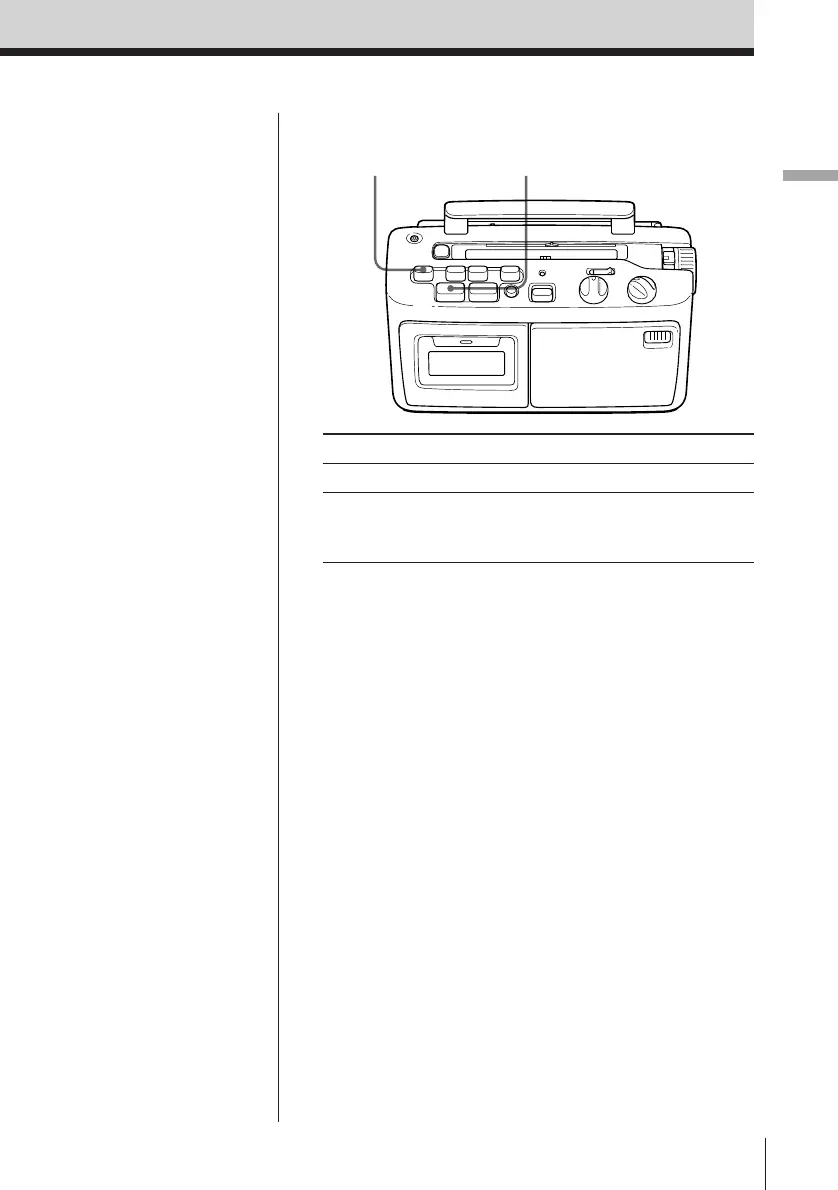
Use these buttons for additional operations
Tips
• Adjusting the volume or
the tone will not affect
the recording level.
• If the MW/LW program
makes a whistling
sound after you have
pressed the REC button
in step 3, set the ISS
(Interference Suppress
Switch) at the rear to the
position that most
decreases the noise.
• For the best results, use
the AC power as a
power source for
recording.
Notes
• If the SLOW
PLAYBACK button is
pressed during
recording the tape speed
will not change and
recording will stay at
normal speed.
• You cannot listen
through the earphone
when recording from
the built-in microphone.
To Press
Stop recording p6 STOP/EJECT
Pause recording P PAUSE
Press the button again to
resume recording.
P PAUSE p6 STOP/EJECT



 To Next Page