13 GB
Getting
Started
Your Sony
CMD-Z7
Basic
Operation
Menu
Operation
Appendix
N
o
t
f
o
r
C
o
m
m
e
r
c
i
a
l
U
s
e
S
o
n
y
E
r
i
c
s
s
o
n
M
o
b
i
l
e
C
o
m
m
u
n
i
c
a
t
i
o
n
s
A
B
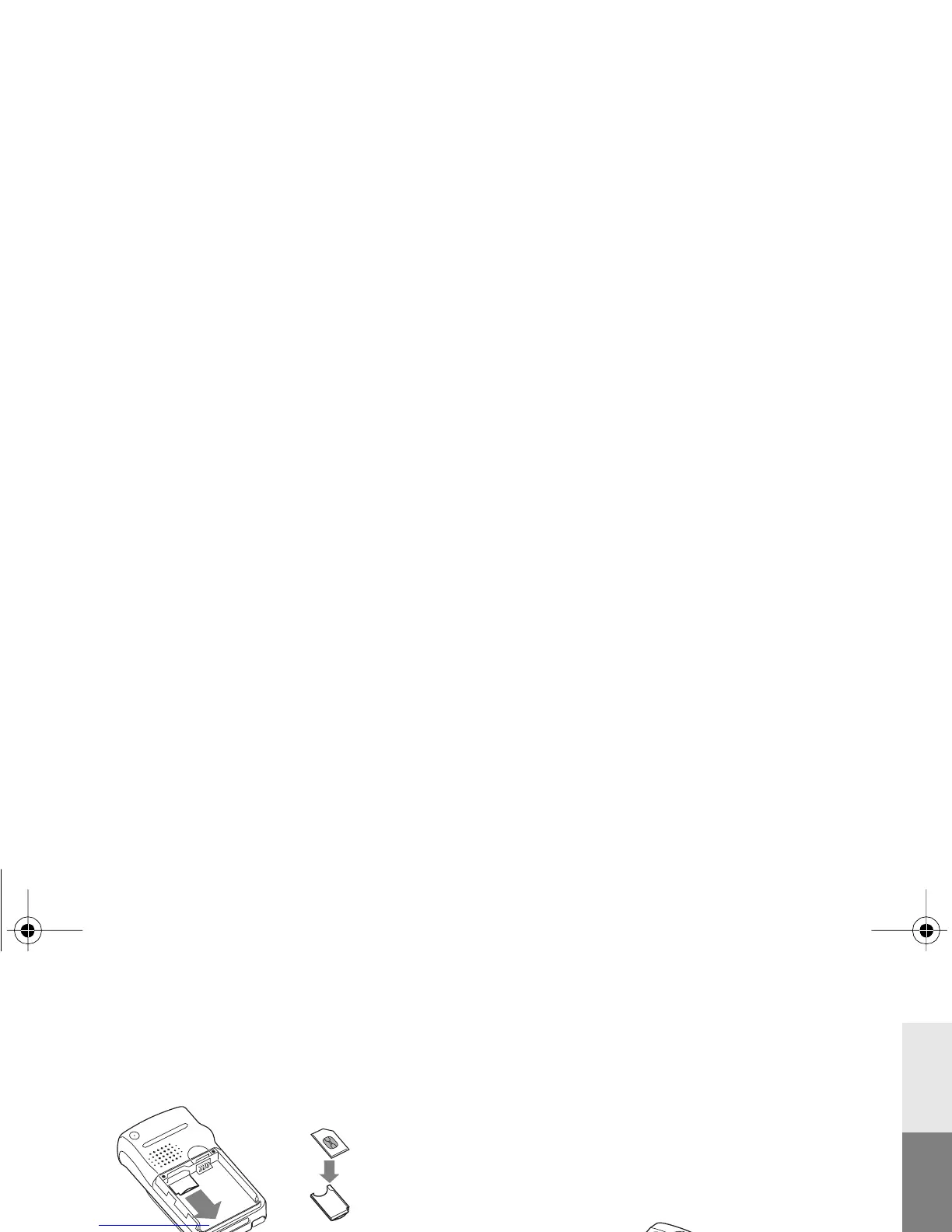
1 Remove the battery cover and the battery.
2 Slide out the SIM card holder by pulling
the knob on the holder.
3 Insert SIM card into the holder.
4 Slide the holder back into the phone.
5 Replace the battery and the cover.
To remove the SIM card
Follow steps 1 to 5 above removing the SIM
card from the holder in step 3.
Charging the Battery
Pack
As supplied, your battery pack will not be
fully charged.
1 Plug the charger into a mains socket.
2 Plug the charger into the bottom (jack) of
the phone.
01GB01COV-AE4.book Seite 13 Montag, 25. Februar 2002 3:09 15



 To Next Page