42
The maximum number of continuous shots (Units: images)
On the Exposure Bracket
• The flash is set to (Flash forced off).
• The focus and white balance are adjusted for the first image, and these settings are also used for the other
images.
• When the exposure is manually adjusted (page 37) the exposure is shifted based on the adjusted
brightness.
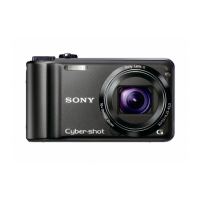
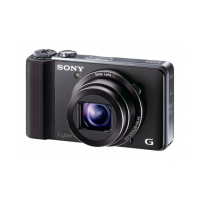
• The recording interval is approximately 0.9 second (DSC-H5) or 0.8 second (DSC-H2).
• If the subject is too bright or too dark, you may be unable to shoot properly with the selected bracket step
value.
• You cannot select the following shutter speeds.
When [ISO] is [Auto], [80] to [200]: 1/6 second or slower
When [ISO] is [400] to [1000]: 1/25 second or slower
• You may not be able to shoot images in the Exposure Bracket mode depending on the Scene mode
(page 34).
On the Multi Burst
• You can play back images shot with Multi Burst using the following procedure.
– To pause/resume: Press z on the control button.
– To play back frame-by-frame: Press b/B in pause mode. Press z to resume playback in series.
• You cannot use the following functions in the Multi Burst mode:
– Smart zoom
–Flash
– Dividing a series of images shot with Multi Burst
– Deleting or extracting a frame in a series of images shot with Multi Burst
– Setting the frame interval to a mode other than [1/30] when the mode dial is set to
– Setting the shutter speed to lower than 1/30 second
• When playing back a series of images shot with Multi Burst using a computer or a camera not equipped
with the Multi Burst function, the image is displayed as a single image with 16 frames.
• The image size of images shot in the Multi Burst mode is 1M.
• You may not be able to shoot images in the Multi Burst mode depending on the Scene mode (page 34).
DSC-H2 DSC-H5
Quality
Size
Fine Standard Fine Standard
7M
——
58
6M 7 12
——
3:2 7 12 5 8
5M
——
611
3M 12 21 9 17
2M 19 35 15 27
VGA 100 100 85 100
16:9 19 35 15 27
Downloaded from ManualsNet.com search engine



 To Next Page
 Loading...