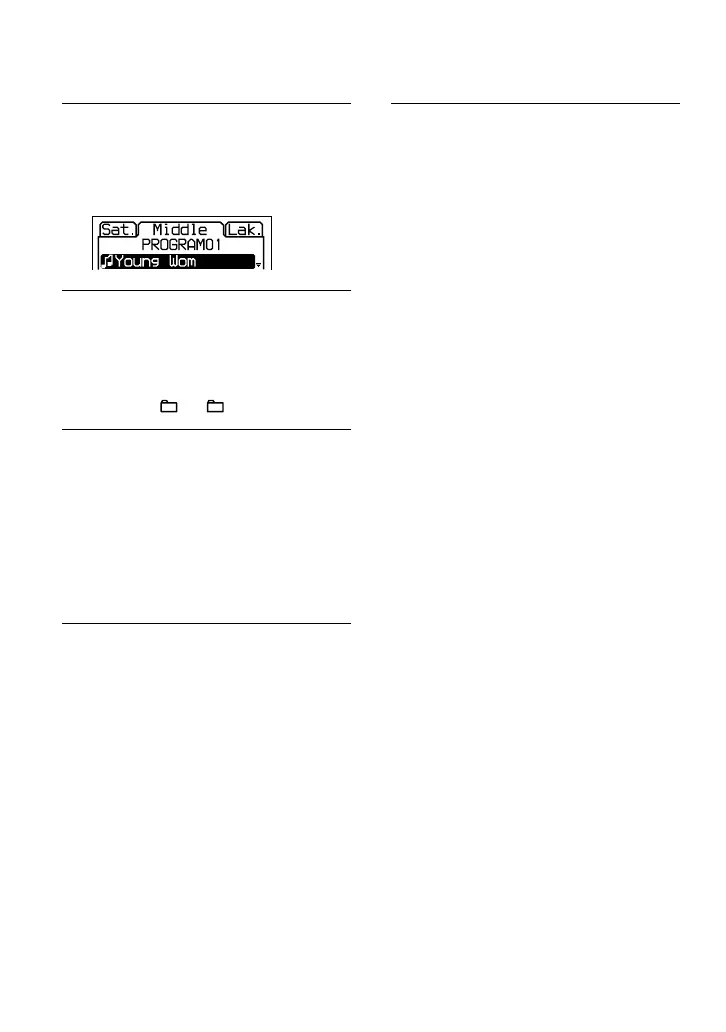
Playing tracks in your
favorite order
(PGM play)
1
While the player is stopped, select
“PROGRAM” in step 3 of “Changing
Playback Options (PLAY MODE)”
( page 17), and then press /
ENTER.
2
Press or to select a track, and
press and hold /ENTER until
display changes.
When playing an ATRAC CD/MP3 CD:
You can also select a file in another group
by pressing + or –.
3
Repeat step 2 to select tracks in
your favorite order.
You can select up to 64 tracks.
When you finish entering the 64th track,
the track number selected first (audio
CD)/file name (ATRAC CD/MP3 CD)
appears on the display.
If you select 65 tracks or more, the tracks
selected first are erased one by one.
4
Press /ENTER.
Playback starts in the selected order.
To check the program
1 While the player is stopped, select
“PROGRAM” in step 3 of “Changing
Playback Options (PLAY MODE) (
page 17), and then press /ENTER.
2 Press and hold /ENTER until the
display changes. Whenever you press
/ENTER, the tracks are displayed in
playing order.
To cancel the PGM play
Press .
Playing tracks repeatedly
(Repeat play)
1
Select “ON” in step 5 of “Changing
Playback Options (PLAY MODE)”
(
page 17).
To return to normal play
Select “OFF”.
20
D-NF420/NF421.GB.2-318-768-11(1)





 To Next Page