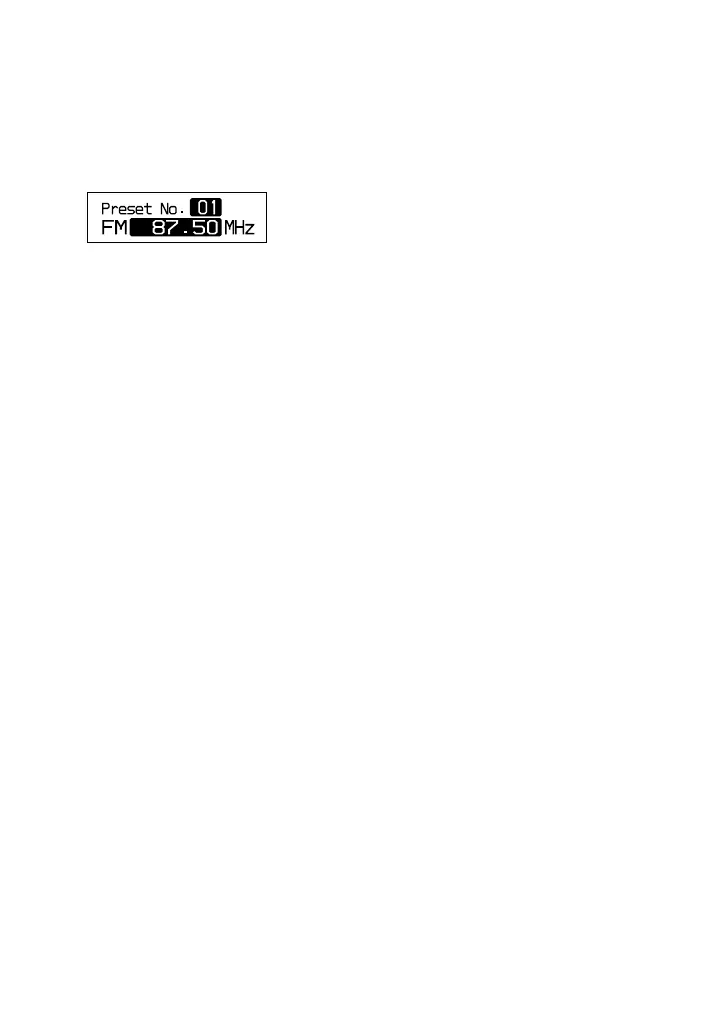
To change a preset station
1 Perform steps 1 and 2 of “Presetting
stations manually” (
page 29).
2 Press or to select the preset
number of the station you want to change.
3 Press RADIO ON/BAND•MEMORY for
2 seconds or more.
4 Press TUNE + or – to tune in the station
you want.
Start this operation within 30 seconds
after you finished the previous operation.
If 30 seconds pass with nothing done, start
from step 2.
5 Press and hold /ENTER.
The beep is heard and the preset station
has been changed.
To cancel a preset station
1 Perform steps 1-3 of “To change a preset
station.”
2 Press •RADIO OFF.
The station preset last is canceled, and the
next preset number decreases by one.
To cancel all preset stations
1 While the radio is turned off and CD play
is stopped, press DISPLAY/ MENU until
the menu screen appears.
2 Press or to select “OPTION,” then
press /ENTER.
3 Press or to select “PRESET CLEAR,”
then press /ENTER.
“Clear?” appears in the display. When you
press /ENTER, all the preset stations
are canceled.
30
D-NF420/NF421.GB.2-318-768-11(1)





 To Next Page