To view photos or videos from your device on a DMR device
1
Make sure that you have correctly set up the DMR device and that it is
connected to the same Wi-Fi® network as your device.
2
From your Home screen, tap .
3
Find and tap Album.
4
Browse to and open the file that you want to view.
5
Tap the screen to display the toolbars, then tap and select a DMR device to
share your content with. The selected files start playing in chronological order
on the device that you select.
6
To disconnect from the DMR device, tap and select your device. The file
stops playing on the DMR device but continues playing on your device.
You can also share a video from the Movies application on your device by tapping the video
and then tapping .
To play a music track from your device on a DMR device
1
Make sure that you have correctly set up the DMR device and that it is
connected to the same Wi-Fi® network as your device.
2
From your Home screen, tap
, then find and tap WALKMAN.
3
Select a music category and browse to the track that you want to share, then
tap the track.
4
Tap
and select a DMR device to share your content with. The track plays
automatically on the device that you select.
5
To disconnect from the DMR device, tap
and select your device. The track
stops playing on the DMR device but continues playing on your device.
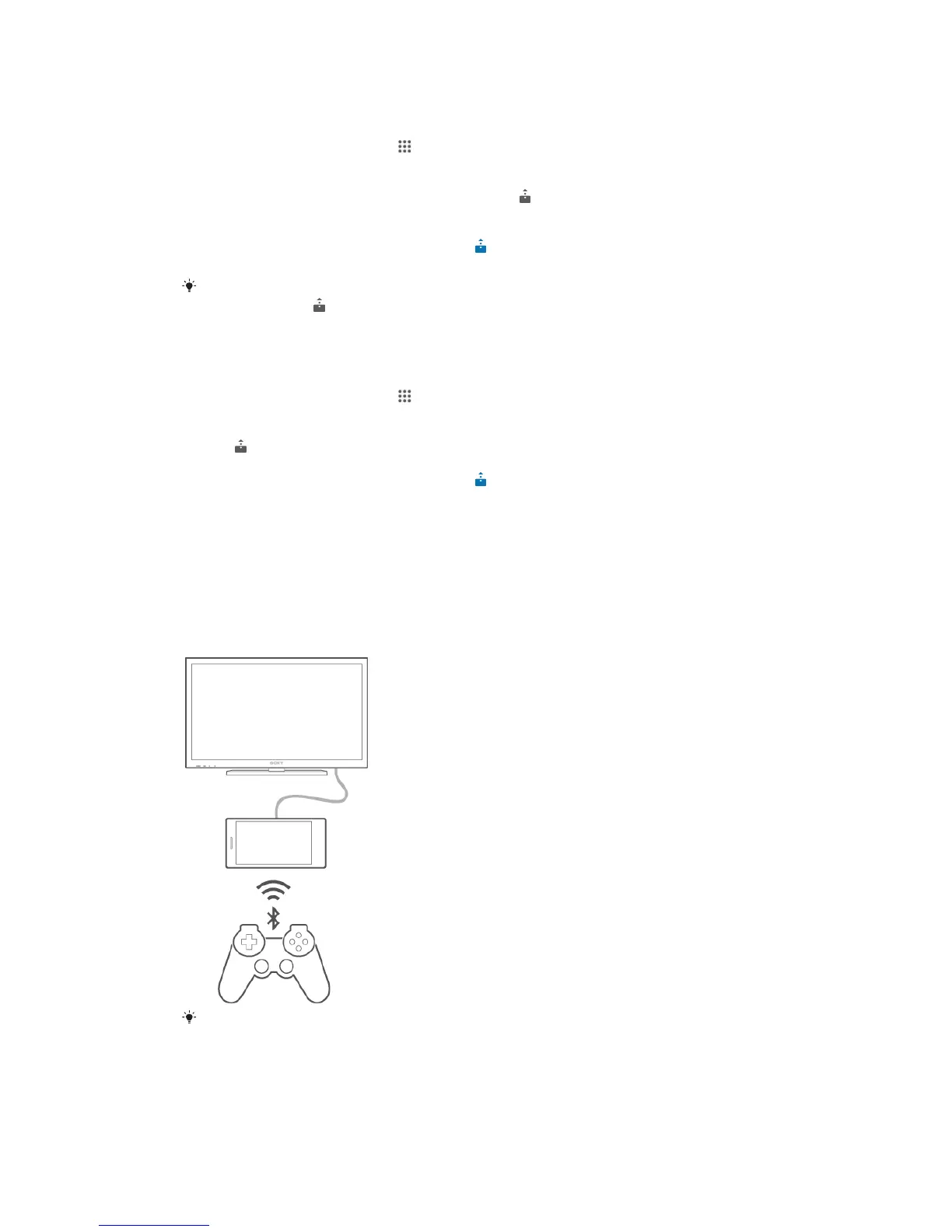
Playing games on a TV using a DUALSHOCK™3 wireless
controller
You can play PlayStation® Mobile games stored on your device on a TV and control
the games using a DUALSHOCK™3 wireless controller. First you need to establish a
wireless connection between the DUALSHOCK™3 wireless controller and your
device, then you can connect your device with the TV using a cable.
To set up a connection between a DUALSHOCK™3 wireless controller and your device, a
USB On-The-Go adapter is required.
92
This is an Internet version of this publication. © Print only for private use.










 To Next Page