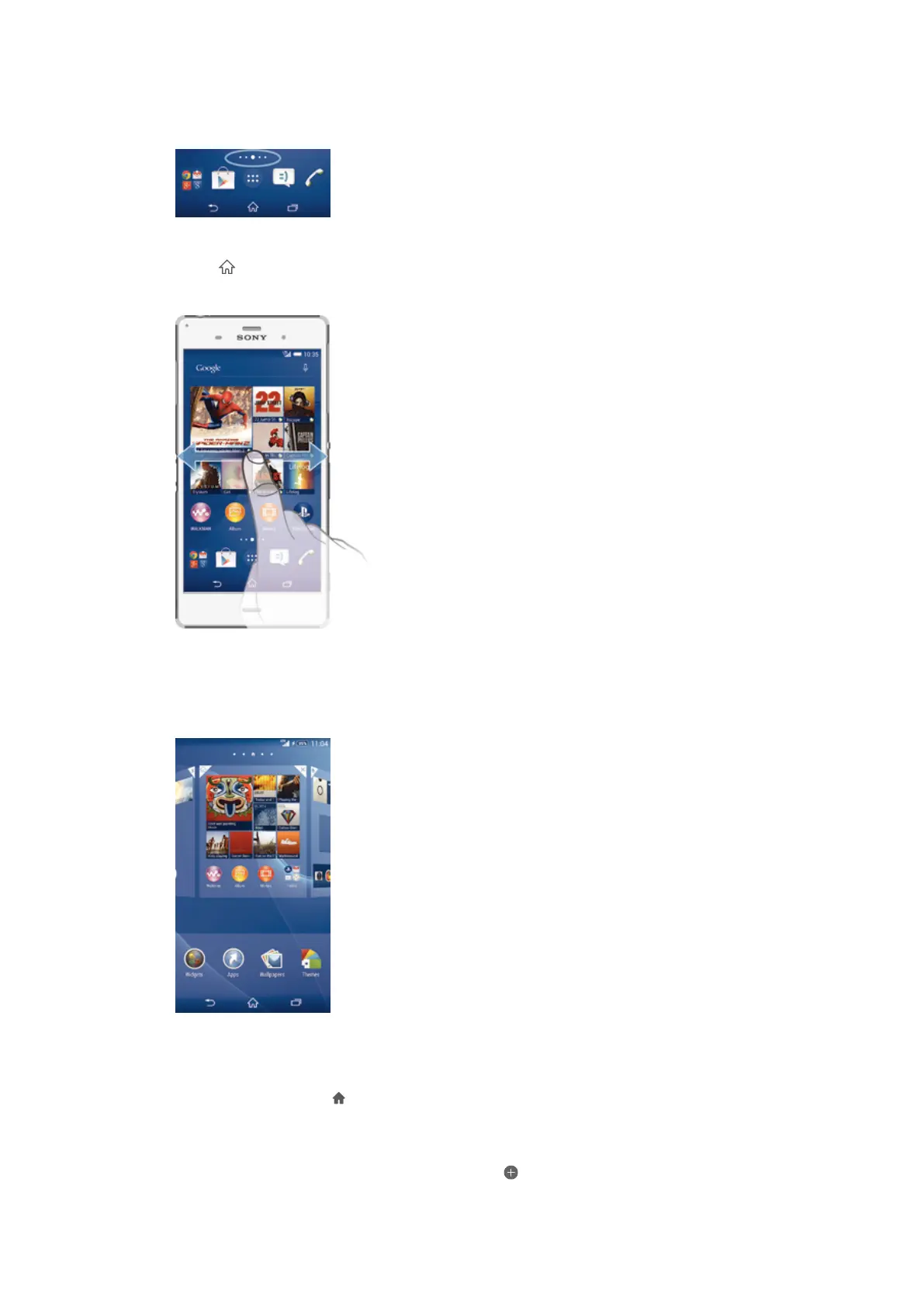
beyond the regular screen display width. The number of Home screen panes is
represented by a series of dots at the lower part of the Home screen. The highlighted
dot shows the pane that you are currently in.
To go to the Home screen
•
Press .
To browse the Home screen
Home screen panes
You can add new panes to your Home screen (up to a maximum of seven panes) and
delete panes. You can also set the pane that you want to use as the main Home
screen pane.
To set a pane as the main Home screen pane
1
Touch and hold an empty area on your Home screen until the device vibrates.
2
Flick left or right to browse to the pane that you want to set as your main Home
screen pane, then tap at the top corner of the pane.
To add a pane to your Home screen
1
Touch and hold an empty area on your Home screen until the device vibrates.
2
Flick left or right to browse the panes, then tap
.
15
This is an Internet version of this publication. © Print only for private use.









 To Next Page