58
GB
DAV-S400 4-240-074-12(1)
Listening to the Radio
Preset radio stations in the system’s memory
first (see “Presetting Radio Stations” on
page 28).
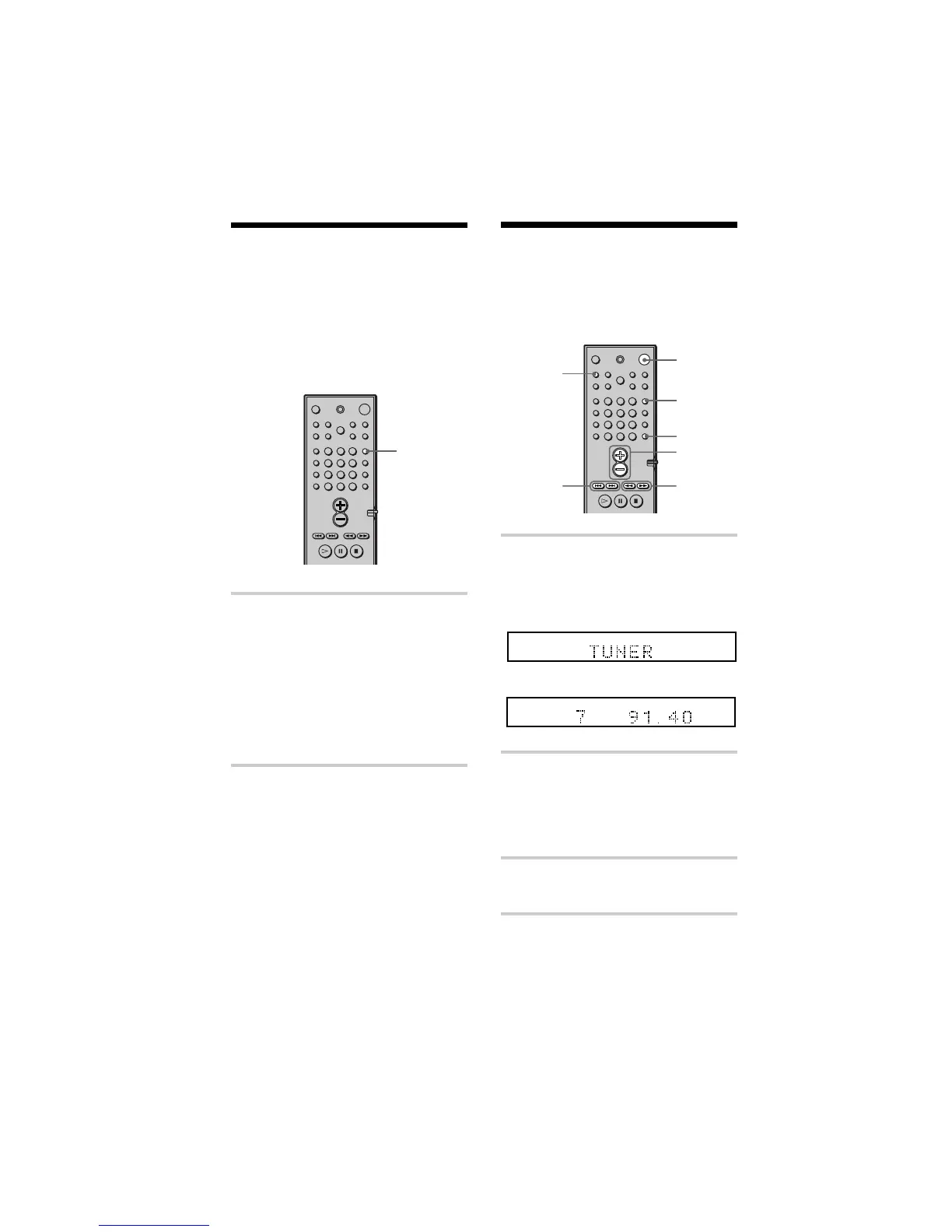
1 Press FUNCTION repeatedly until
TUNER appears on the front panel
display.
The last received station is tuned in.
2 Press PRESET + or PRESET –
repeatedly to select the preset
station you want.
Each time you press the button, the
system tunes in one preset station.
3 Adjust the volume by pressing
VOL +/–.
To turn off the radio
Press 1.
FUNCTION
VOL +/–
PRESET
+/–
ALL
PRO
LOGIC
DIGITAL
NTSCPBC ANGLE
TITLE TRACK CHAPTER INDEX TUNEDH MONOMSTS
dB
kHz
PROGRAM
MHz
SHUFFLE
REPEAT 1
FM AM
DISC1SAUTO
ALL
PRO
LOGIC
DIGITAL
NTSCPBC ANGLE
TITLE TRACK CHAPTER INDEX H TUNED M MONO ST S
dB
kHz
PROGRAM
MHz
SHUFFLE
REPEAT 1
FM AM
DISC1SAUTO
DISPLAY
TUNING
+/–
STEREO/
MONO
1
m
FUNCTION
Listening to other audio
units
You can use MD decks or other units
connected to the AUDIO 1 or AUDIO
2 jacks. Refer to the operation manual
supplied with the unit for further
information on the operation.
Press FUNCTION repeatedly until
AUDIO 1 or AUDIO 2 that you connected
the unit to appears on the front panel
display.
Each time you press FUNCTION, the mode
of the system changes in the following
sequence.
DVD t AUDIO 1 t AUDIO 2 t
TUNER t DVD...
123
456
7
>
10
10/0
89



 To Next Page