15
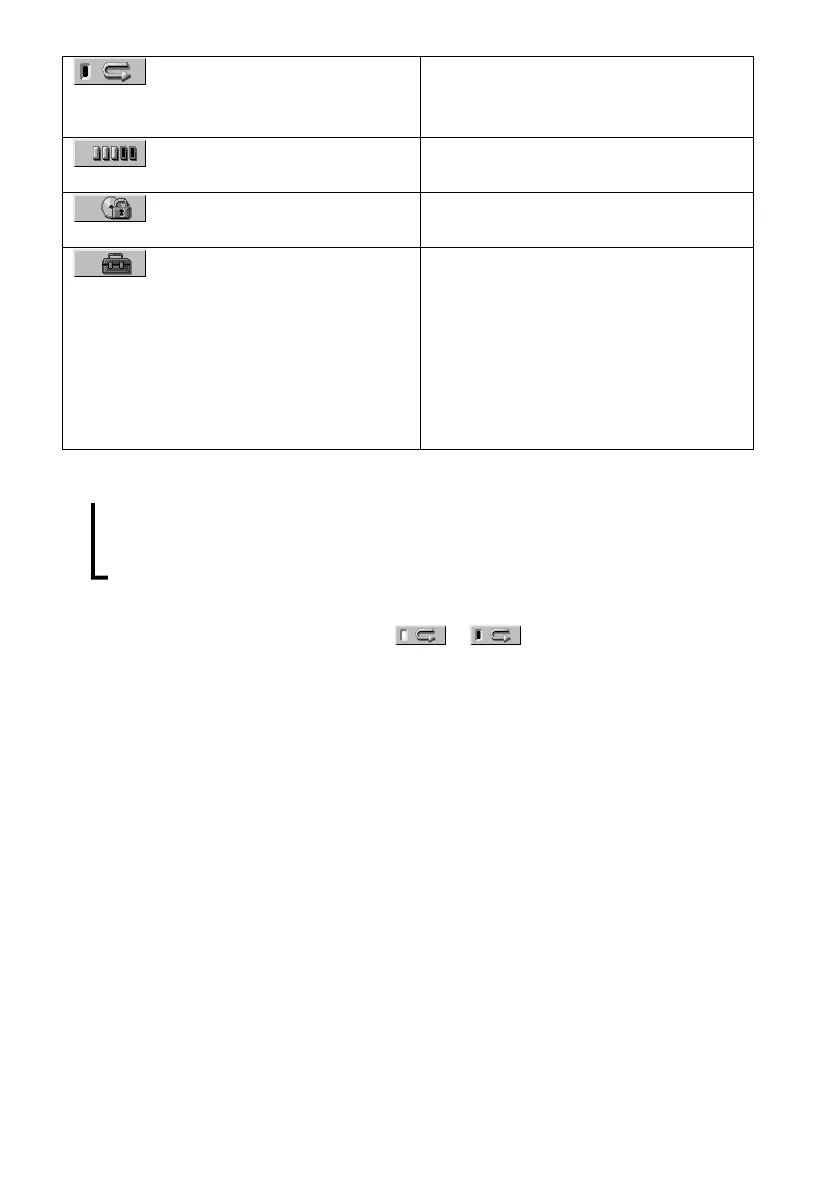
REPEAT (page 38)
ADVANCED (DVD only)
(page 52)
CUSTOM PARENTAL
CONTROL (page 53)
SETUP (page 63)
Plays the entire disc (all titles/all tracks)
repeatedly, or one title/chapter/track
repeatedly.
Checks the information (bit rate or layer)
on the disc while playing a DVD.
Sets the disc to prohibit playing.
CUSTOM Setup
By using the Setup Display, you can make
various adjustments to items such as
picture and sound. You can also set a
language for the subtitles and the Setup
Display, among other things.
RESET
Returns the settings in “SETUP” to the
default setting.
z Each time you press DVD DISPLAY, the Control Menu display changes as follows:
Control Menu display
m
ADVANCED display (Appears if you select any setting other than “OFF.” See page 52.)
m
Control Menu display off
The Control Menu items are different depending on the disc.
z The Control Menu icon indicator lights up in green t when you select “REPEAT” except
“OFF.” The “ANGLE” indicator lights up in green only when the angles can be changed.
,



 To Next Page