Getting Started
19
GB
Required cords
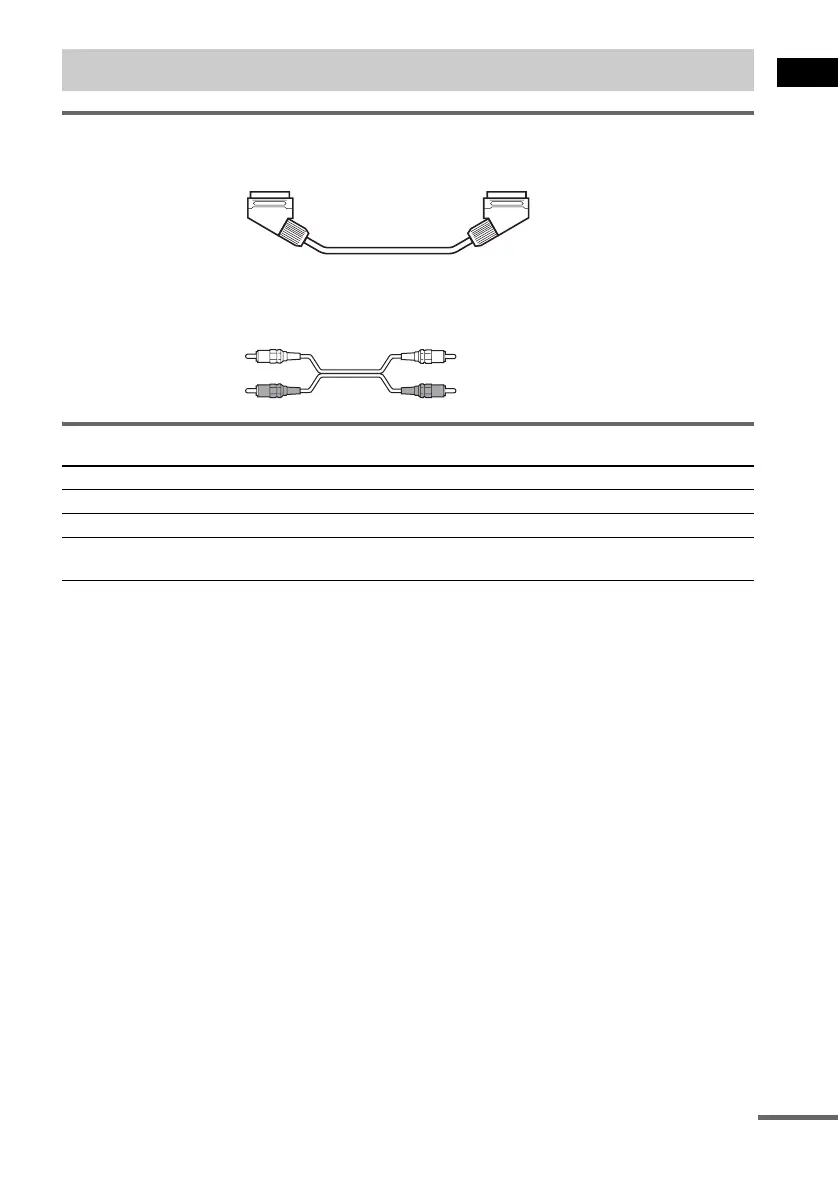
SCART (EURO AV) cord for connecting a TV (not supplied)
Audio cords (not supplied)
When connecting a cord, be sure to match the color-coded sleeves to the appropriate jacks on the
components.
Terminals for connecting video components
Connecting the system to a TV
Connect the system to your TV using the SCART (EURO AV) cord. Be sure to connect the SCART
(EURO AV) cord to the T EURO AV OUTPUT (TO TV) jack on the system.
When you connect using the SCART (EURO AV) cord, check that the TV conforms to S video or RGB
signals. If the TV conforms to S video, change the input mode of the TV to RGB signals. Refer to the
operating instructions supplied with the TV to be connected.
Step 3: TV and Video Component Hookups
Connect the To the
TV (VIDEO IN) T EURO AV OUTPUT (TO TV) jack
VCR (AUDIO OUT) VIDEO (AUDIO IN) jacks
Digital satellite receiver
(AUDIO OUT)
SAT (AUDIO IN) jacks
White (L/audio)
Red (R/audio)
continued



 To Next Page