Main Features
Taking moving or still images, and playing them back
l Recording a picture on a tape (p. 29)
l Recording a still image on a tape (p. 47)
l Playing back a tape (p. 39)
l Recording a still image on a “Memory Stick” (p. 118) (DCR-IP7BT only)
l Recording moving pictures on a “Memory Stick” (p. 126) (DCR-IP7BT only)
l Viewing a still image recorded on a “Memory Stick” (p. 137) (DCR-IP7BT gnly)
l Viewing a moving picture on a “Memory Stick” (p. 140) (DCR-IP7BT only)
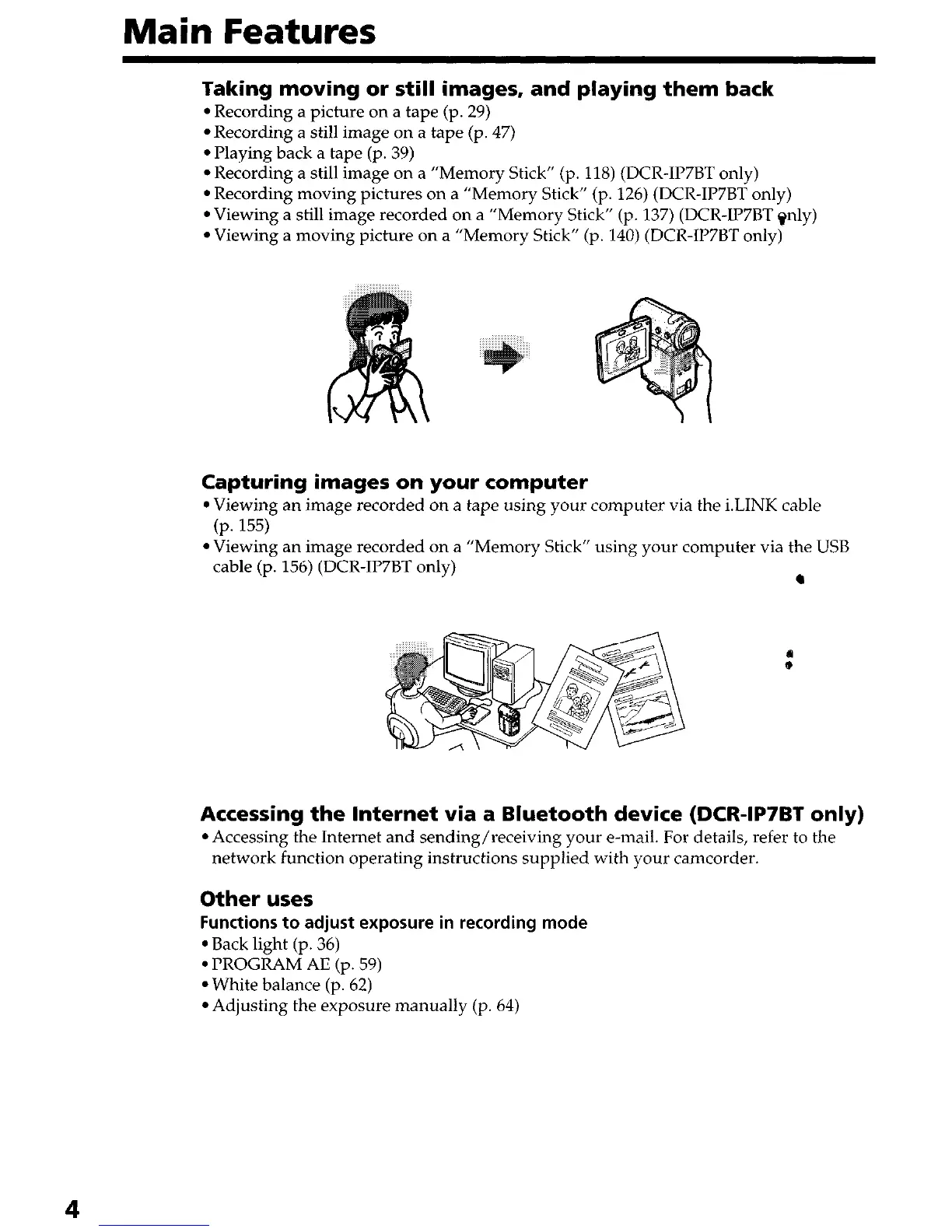
Capturing images on your computer
l Viewing an image recorded on a tape using your computer via the i.LINK cable
(P. 155)
l Viewing an image recorded on a “Memory Stick” using your computer via the USB
cable (p. 156) (DCR-IP7BT only)
l
Accessing the Internet via a Bluetooth device (DCR-IP7BT only)
l Accessing the Internet and sending/receiving your e-mail. For details, refer to the
network function operating instructions supplied with your camcorder.
Other uses
Functions to adjust exposure in recording mode
l Back light (p. 36)
l PROGRAM AE (p. 59)
l White balance (p. 62)
l Adjusting the exposure manually (p. 64)











 To Next Page