Using special effects - Digital effect
You can add special effects to recorded pictures using the various digital functions. The
sound is recorded normally.
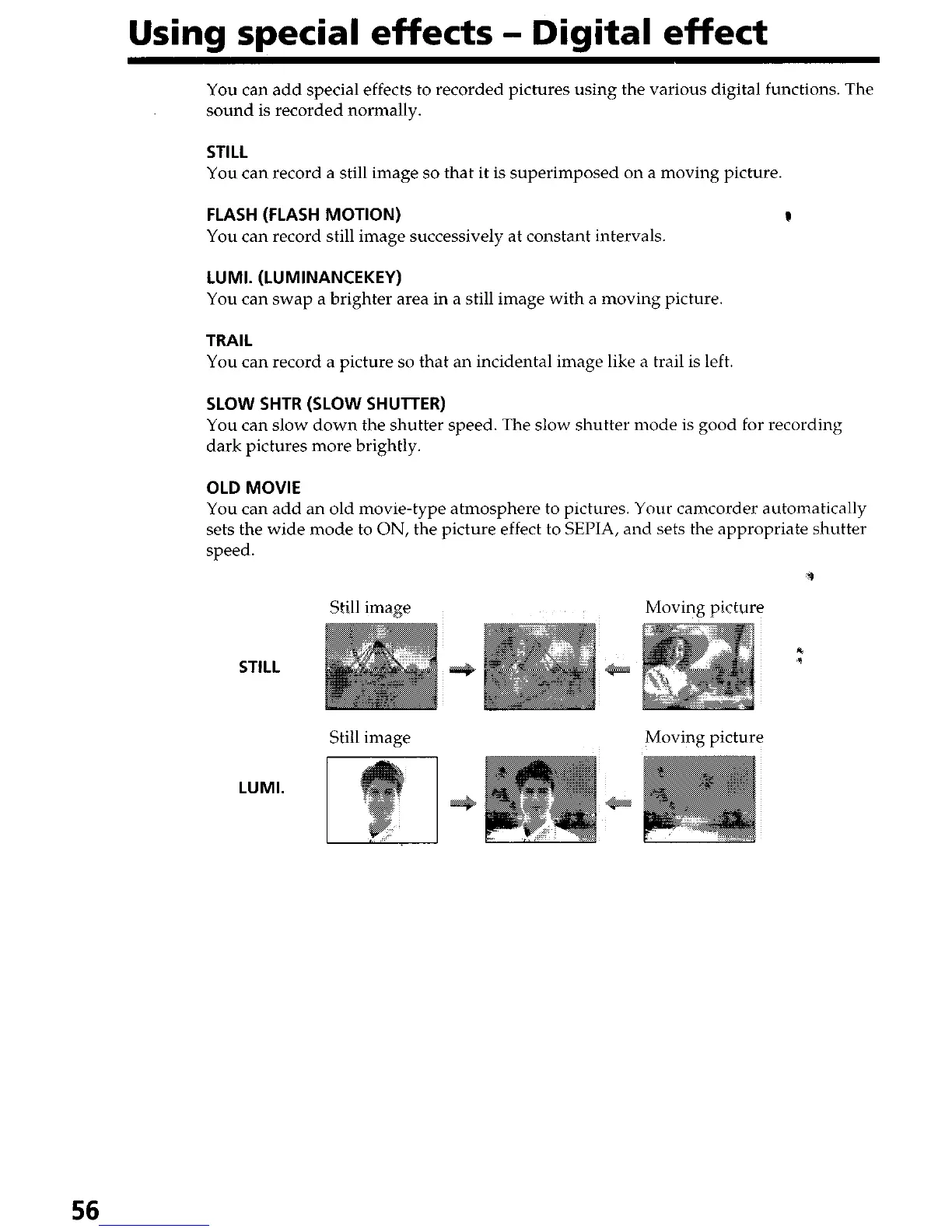
STILL
You can record a still image so that it is superimposed on a moving picture
FLASH (FLASH MOTION)
You can record still image successively at constant intervals.
LUMI. (LUMINANCEKEY)
You can swap a brighter area in a still image with a moving picture
TRAIL
You can record a picture so that an incidental image like a trail is left.
SLOW SHTR (SLOW SHUTTER)
You can slow down the shutter speed. The slow shutter mode is good for recording
dark pictures more brightly.
OLD MOVIE
You can add an old movie-type atmosphere to pictures. Your camcorder automatically
sets the wide mode to ON, the picture effect to SEPIA, and sets the appropriate shutter
speed.
9
Still image Moving picture
*
STILL
*
Still image
Moving picture
LUMI.
56


 To Next Page
 Loading...







