Page 9 of 11 Last Modified: 8/12/03
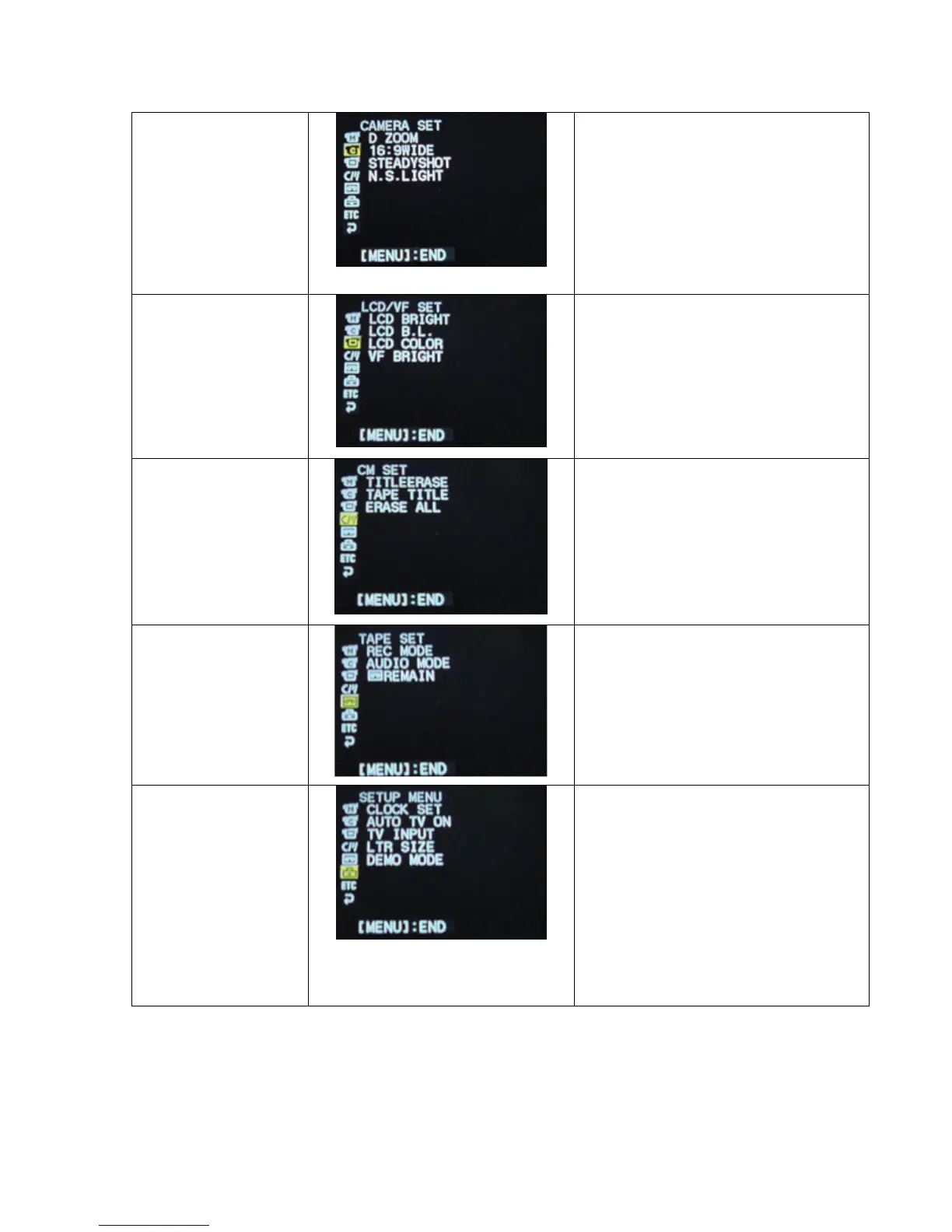
Camera Set
(Make sure the
selector switch is set
on CAMERA)
D Zoom: Two options
(ON/OFF) to use digital zoom.
16:9 WIDE: to record in a 16:9
width.
Steadyshot: Compensates for
camera shake.
N.S. Light: NightShot light.
LCD/VF Set
(Make sure the
selector switch is set
on CAMERA)
LCD Bright: Adjusts the LCD
screen.
LCD B.L.: Adjusts the LCD
screen.
LCD Bright: Adjusts the LCD
screen.
VF Bright: Viewfinder
brightness.
CM Set
(Make sure the
selector switch is set
on CAMERA)
Title Erase: To erase the title
you have superimposed.
Tape Title: Date/Time set up
Erase All: To erase the recorded
data.
Tape Set
(Make sure the
selector switch is set
on CAMERA)
Rec Mode: SP or LP recording
speed.
Audio Mode: 12-bit or 16-bit
audio recording.
Remain: The on-screen display
of remaining tape.
Setup Menu
(Make sure the
selector switch is set
on CAMERA)
Clock Set:
Auto TV ON: To automatically
turn on a Sony TV with laser
link function.
TV Input: To switch the video
input.
LTR Size: To display selected
menu items at normal size or
twice the size.
Demo Mode: Demonstration
mode.















 To Next Page