28
GB
Slideshow display
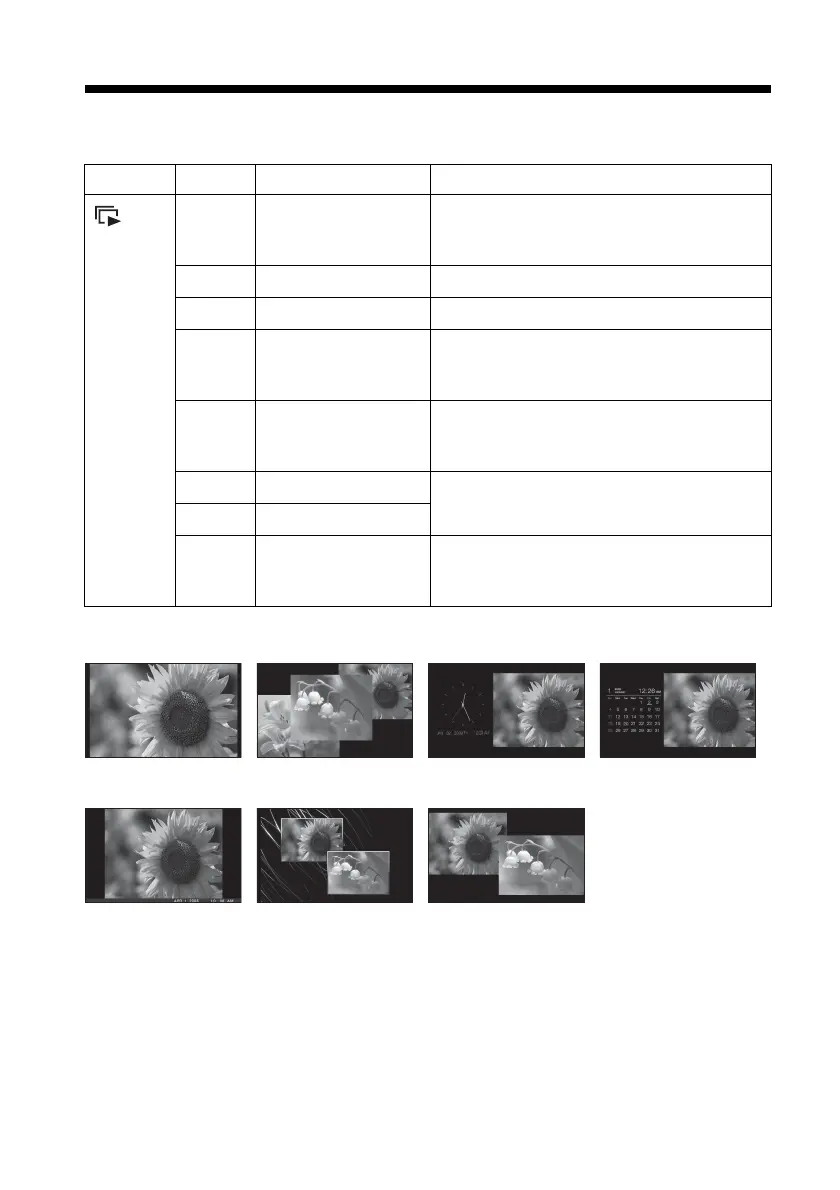
Group Image Style Explanation
Slideshow
A
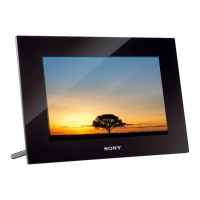
Single view Images are displayed on a single screen, one
after another, with the effect selected in the
[Slideshow Settings] menu.
B
Multi image view Displays multiple images at the same time.
C
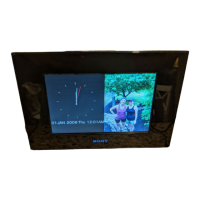
Clock view Displays images with the present date and time.
D
Calendar view Displays images, one after another, while
showing a calendar. The present date and time
is displayed.
E
Time Machine Displays images with the shooting date and
time. The present date and time cannot be
displayed.
F
Scrap-book Displays an image processed using the template
in CreativeEdit.
G
Creative
H
Random view Displays images while randomly switching
between a number of different slideshow styles
and effects.
ABCD
EFGH


 To Next Page