EasyManua.ls Logo

Sony DPF-X85 - User Manual

Sony DPF-X85
48 pages
Print Icon
To Next Page IconTo Next Page
Loading...
4-185-904-11 (1)
P/N:7525000078A
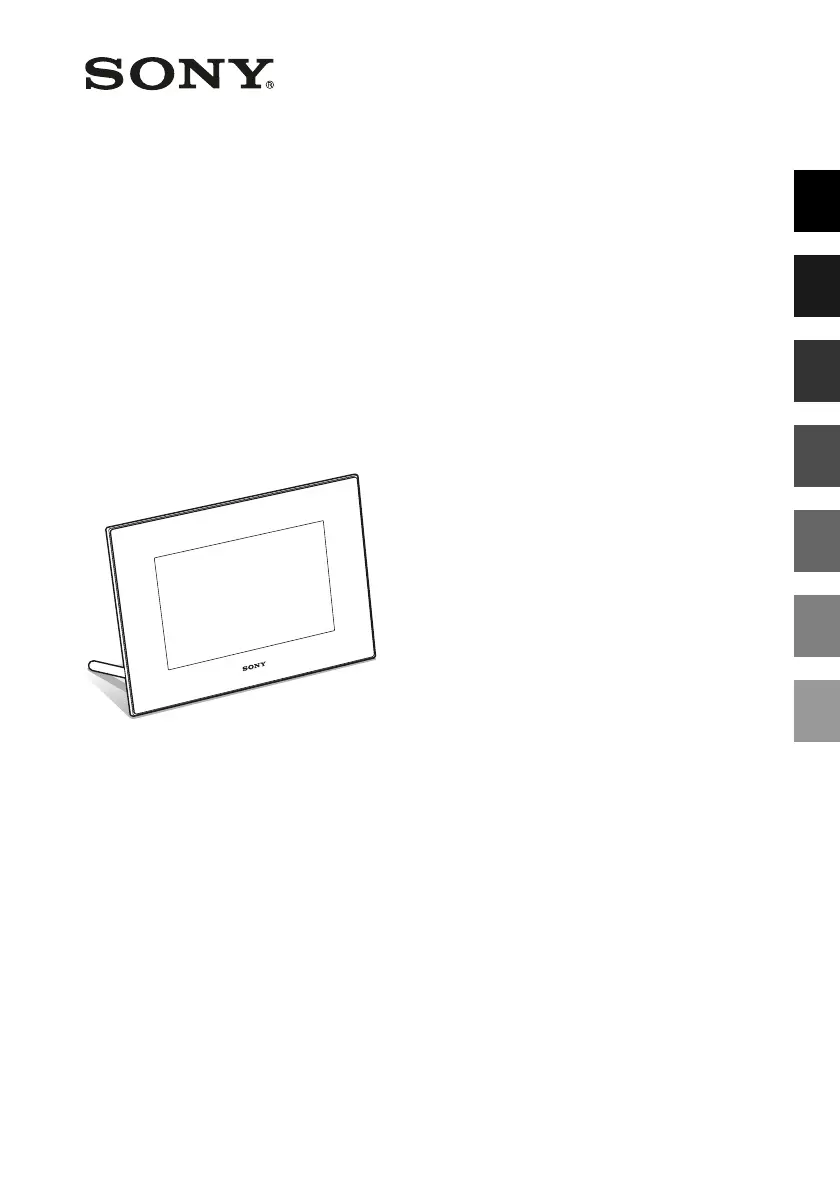
Digital Photo
Frame
DPF-X85/X95
© 2010 Sony Corporation
Before operation
Basic operations
Advanced operations
Using with a computer
Error messages
Troubleshooting
Additional information
Digital Photo Frame Handbook

Questions and Answers

  • J
    Jesus McdanielAug 12, 2025
    Why some images are not displayed on my Sony DPF-X85?
    • J
      Julia BowmanAug 12, 2025
      If some images are not displayed on your Sony Digital Photo Frame, it could be due to several reasons: * The image file might be damaged, even if the thumbnail looks fine. * The file might not be compatible with DCF, even if your computer can display it. * The file might be a JPEG created with your computer or lacks thumbnail data. * The thumbnail data or the image itself might be corrupted. * The photo frame can only handle up to 9,999 images. * The file name contains non-alphanumeric characters. * The image is saved in a folder deeper than 8 levels.
  • W
    Wesley LunaAug 16, 2025
    What to do if Sony DPF-X85 does not respond?
    • A
      awatsonAug 16, 2025
      If the Sony Digital Photo Frame does not respond to operations, try pushing the reset switch on the back of the photo frame using a thin object, or turn the power off and then on again.
  • G
    grant13Aug 20, 2025
    What to do if no images are displayed on Sony Digital Photo Frame?
    • K
      Kylie LawrenceAug 20, 2025
      If no images are displayed on the screen of your Sony Digital Photo Frame, ensure that a memory card is properly inserted and contains images. Check the file formats that can be displayed. A file that is not compatible with DCF may not be displayed, even if a computer can display it. Also, ensure the photo frame is set to a mode other than Clock and calendar display.
  • M
    Mark BarrAug 23, 2025
    What to do if Sony Digital Photo Frame remote control not working?
    • C
      Carol Pena MDAug 25, 2025
      If nothing happens when you operate the Sony Digital Photo Frame remote control, try the following: * Replace the battery. * Ensure a battery is inserted. * Make sure the battery is inserted with the correct orientation. * Point the top of the remote towards the remote sensor on the photo frame. * Remove any obstructions between the remote and the sensor. * Remove the protective sheet.
  • A
    Angela CastroAug 27, 2025
    Why can't I save images on my Sony DPF-X85 Digital Photo Frame?
    • K
      Kenneth YoungAug 27, 2025
      If you cannot save an image on your Sony Digital Photo Frame, try the following: * Cancel write-protection. * Slide the write-protect switch to the enable position. * Replace the memory card with one that has enough free space, or delete unwanted images. * If you don't create a folder, you can save up to 512 images.
  • C
    Cristina CampbellAug 31, 2025
    Why is the file name not displayed properly on my Sony DPF-X85 Digital Photo Frame?
    • D
      Danielle RivasAug 31, 2025
      If the file name is not displayed correctly on your Sony Digital Photo Frame, it may be because the file name includes characters other than alphanumeric characters.
  • T
    timothy63Sep 4, 2025
    Why can't I delete an image from my Sony Digital Photo Frame?
    • J
      justingarciaSep 4, 2025
      If you cannot delete an image on your Sony Digital Photo Frame, try the following: * Cancel write-protection. * Slide the write-protect switch to the enable position. * Note that you cannot delete an image from or format a “Memory Stick-ROM”. * Check the image information from the single view mode.
  • A
    abbottelizabethSep 7, 2025
    Why Sony DPF-X85 images are not played in order of shooting date?
    • S
      Samuel FrenchSep 7, 2025
      If images are not played back in the order of shooting date on your Sony Digital Photo Frame, it is because if you edit or save an image file on a computer, the date that the file was modified is changed. Images are displayed in order of the date the files were modified instead of the shooting date.

Sony DPF-X85 Specifications

General IconGeneral
Display Size8 inches
Resolution800 x 600 pixels
Aspect Ratio4:3
ConnectivityUSB
Power SourceAC Adapter
Memory Card SupportSD
FeaturesSlideshow, Calendar, Clock
Supported FormatsJPEG

Related product manuals