52
GB
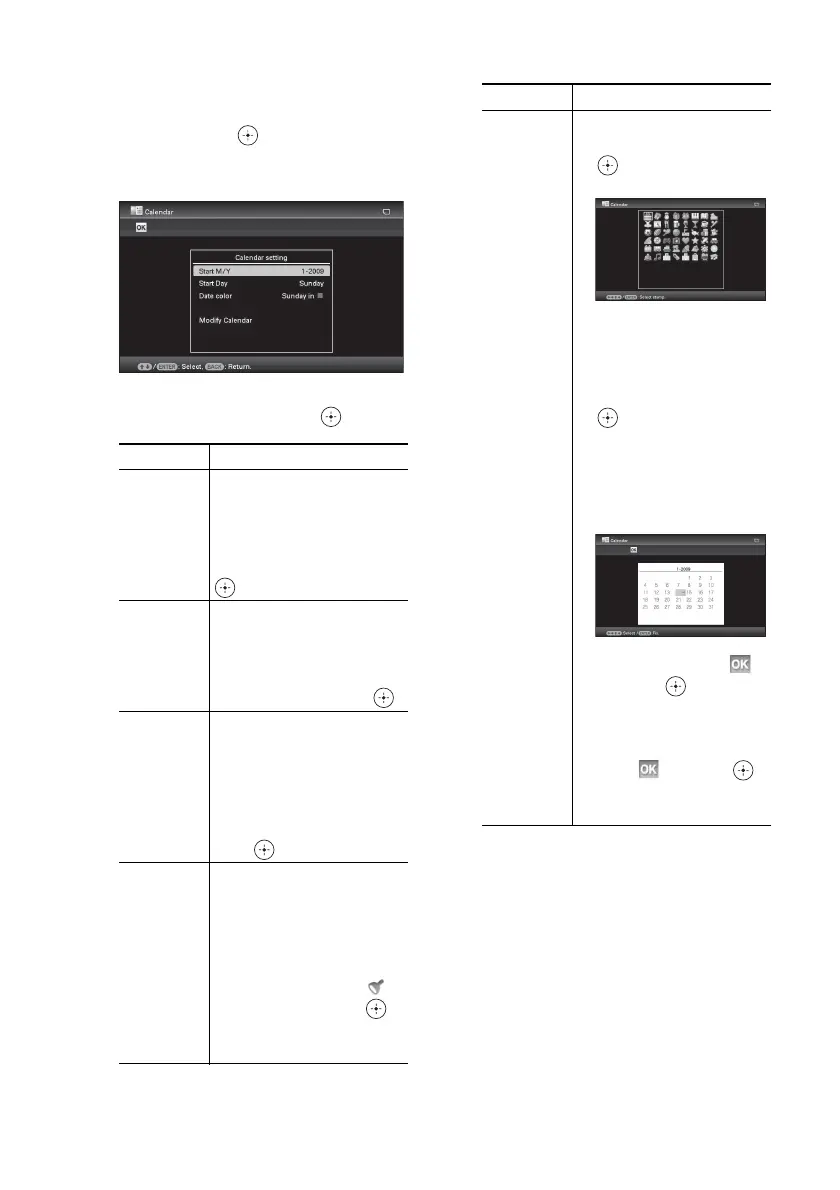
5 Set the calendar.
1Press B/b/v/V to select the calendar
area and press .
The calendar setting window is
displayed.
2Press v/V to select the item that you
want to set, and then press .
The calendar is displayed in the calendar
area.
Item Settings/Procedures
Start Y/M Set the first month and the
year starting the calendar.
Press
B/b to select the
month or year and press
v/V to set the number. Press
.
Start Day Set the day of the week
(placed furthest left in the
calendar). Press v/V to
select “Sunday” or
“Monday.” Then press .
Date color Set the color of Saturday,
Sunday and holiday to be
displayed in the calendar.
Press b and then v/V to
select the desired color for
Sunday and Saturday. Then
press .
Modify
Calendar
You can add a stamp or
desired color to a specific
day in the calendar.
When adding a stamp
(Example)
1 Press B/b to select
(Stamp), and press .
The stamp selection
window is displayed.
2 Press B/b/v/V to select a
desired stamp, and press
.
The calendar is displayed.
3 Press B/b/v/V to select a
desired date to which to
add the stamp and press
.
When you want to change
the stamp type, select the
BACK button and then
repeat steps
2 and 3.
4 Press v/V to select
and press .
To exit Modify Calendar
and return to the Calendar
setting window, press B/b
to select and press .
You can set “Date color”
using similar procedures.
Item Settings/Procedures


 To Next Page