6
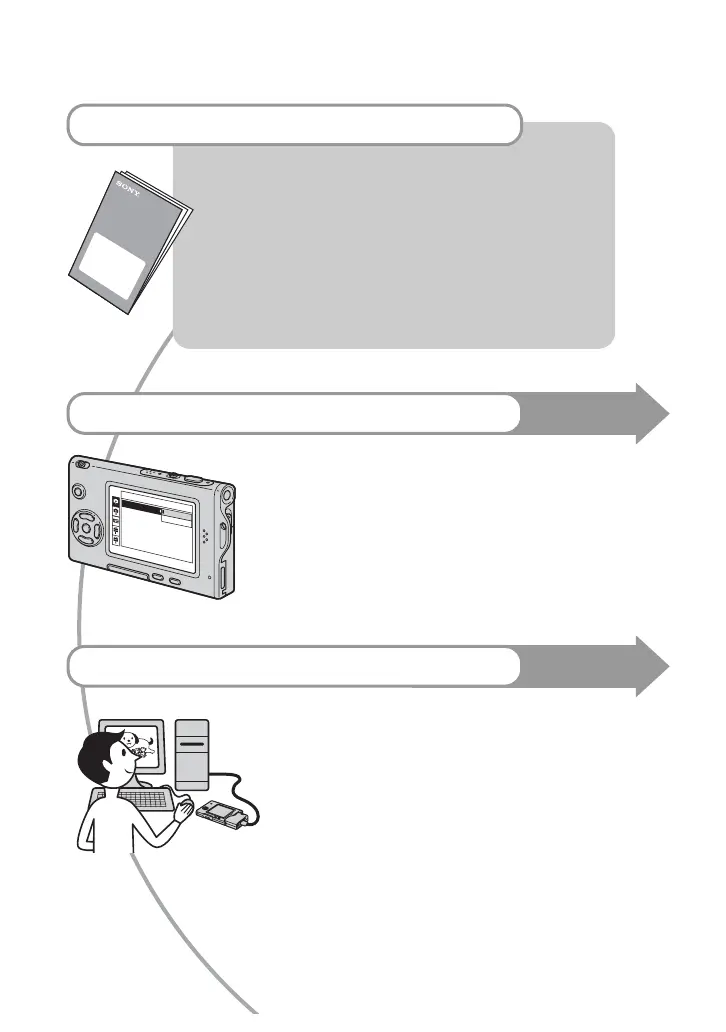
For full use of the digital still camera
Prepare the camera and shoot in auto adjustment mode
“Read This First” (separate volume)
1 Prepare the battery pack
2 Turn the camera on/set the clock
3 Insert a “Memory Stick Duo”
4 Select the image size for use
5 Shoot images easily (Auto adjustment mode)
Shoot still images (Scene Selection)
6 View/Delete images
Get more friendly with your camera
This manual
• Shoot with your favorite settings (Program auto shooting)
t page 24
• Enjoy various shooting/playback using the menu t page 26
• Change the default settings t page 44
Connect your camera to a PC or a printer
This manual
• Copy your images to a computer and enjoy editing them in
various ways t page 54
• Print images by connecting your camera directly to a printer
(PictBridge compliant printers only) t page 68












 To Next Page