53
Using functions for viewing
Playing back images from the HOME screen
To display the previous/next image
Press b/B while the slide show is paused.
To adjust the volume of the music
Press V to display the volume control screen, the press b/B to adjust the volume.
To end the slide show
Select [Exit] with v/V while the slide show is paused, then press z.
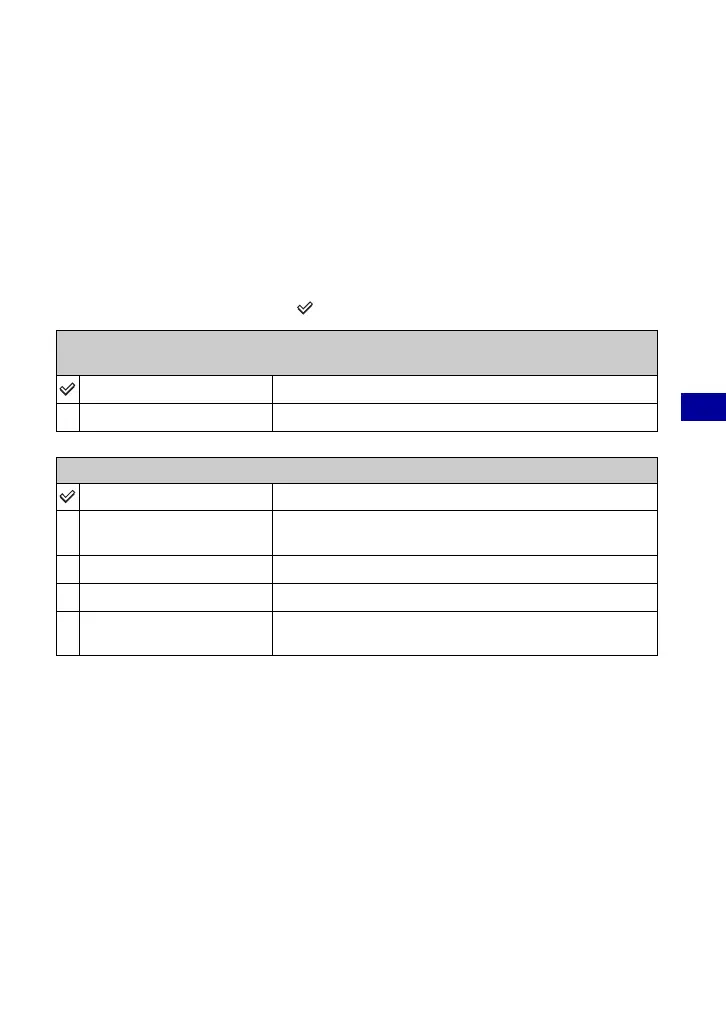
To change the setup
The default settings are marked with .
• When set to [Simple], [Nostalgic], [Stylish] or [Active] only still images are displayed.
• Music is not played (set to [Off]) during a [Normal] slide show. The sound of movies will be heard.
Image
When you use a “Memory Stick Duo” (not supplied)
Folder
Plays back all the images in the selected folder.
All
Plays back all the images in a “Memory Stick Duo” in order.
Effects
Simple
A simple slide show suitable for a wide range of scenes.
Nostalgic
A moody slide show reproducing the atmosphere of a movie
scene.
Stylish
A stylish slide show proceeding at a middle tempo.
Active
A high-tempo slide show suitable for active scenes.
Normal
A basic slide show switching images at a predetermined
interval.











 To Next Page