73
Customizing the settings
Settings For details on the operation 1 page 60
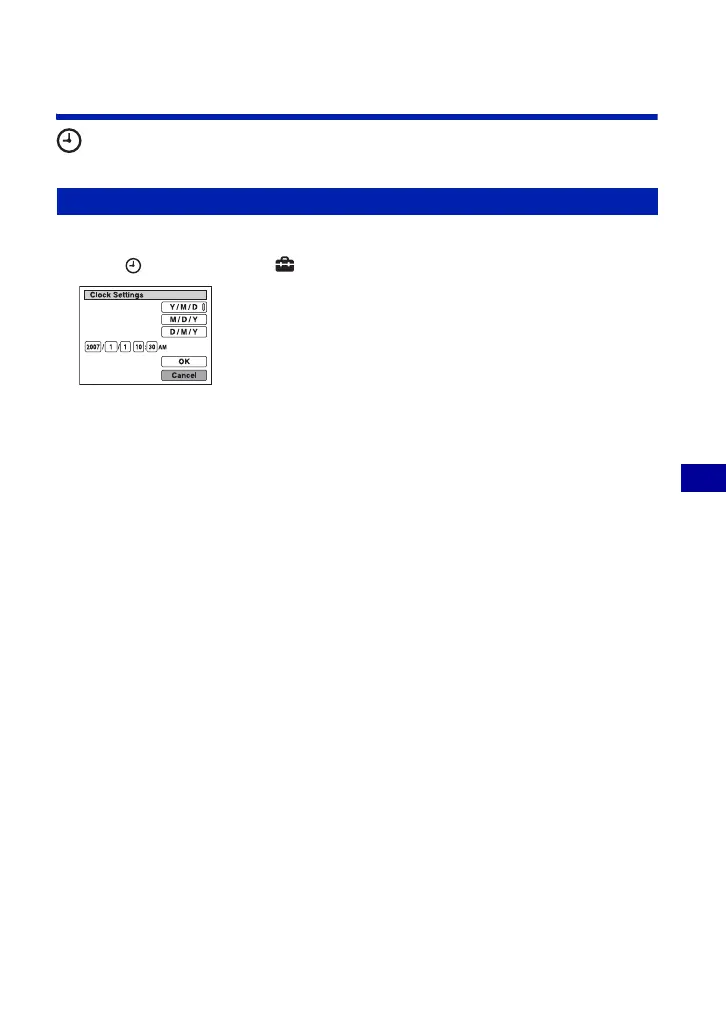
Clock Settings
Sets the date and time.
1 Select [ Clock Settings] from (Settings) on the HOME screen.
2 Select the date display format with v/V, then press z.
3 Select each item with b/B and set the numeric value with v/V, then press z.
4 Select [OK], then press z.
To cancel the clock setting
Select [Cancel] in step 4, then press z.
Clock Settings











 To Next Page