Digital Still Camera
DSC-W810
Using MENU items (Viewing)
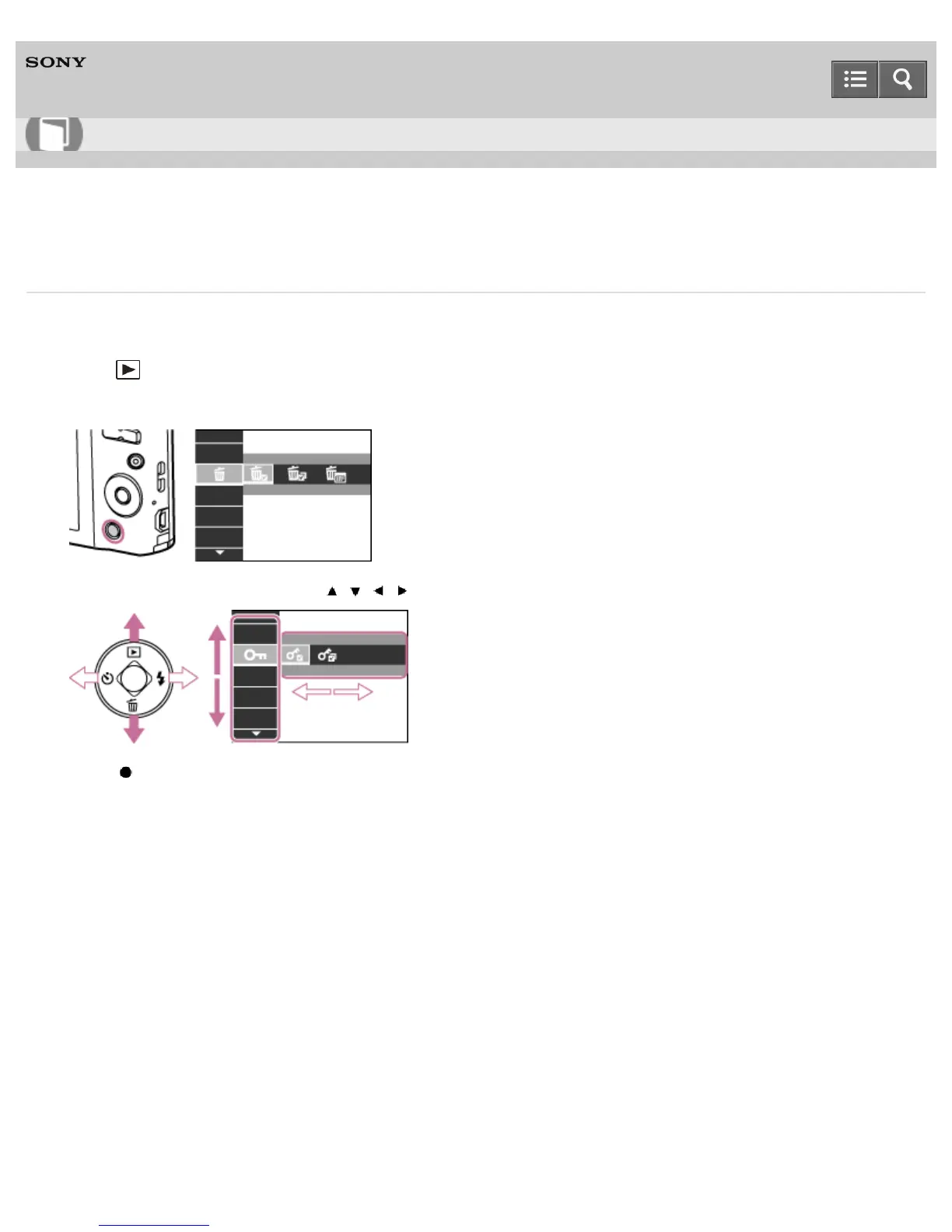
You can select various viewing functions easily from the MENU button.
1. Press (Playback) on the control button to switch to playback mode.
2. Press the MENU button to display the Menu screen.
3. Select the desired menu item with / / / on the control button.
4. Press on the control button.
Notes on use
4-488-040-11(1)
Copyright 2013 Sony Corporation
Help Guide
How to use













 To Next Page