5GB
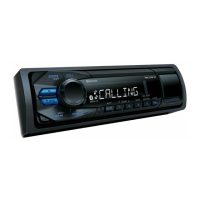
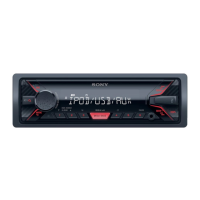
MEGA BASS
Reinforces bass sound in synchronization with
the volume level. Press to change the MEGA
BASS setting: [1], [2], [OFF].
AUX input jack
DSPL (display)
Press to change display items.
SCRL (scroll)
Press and hold to scroll a display item.
USB port
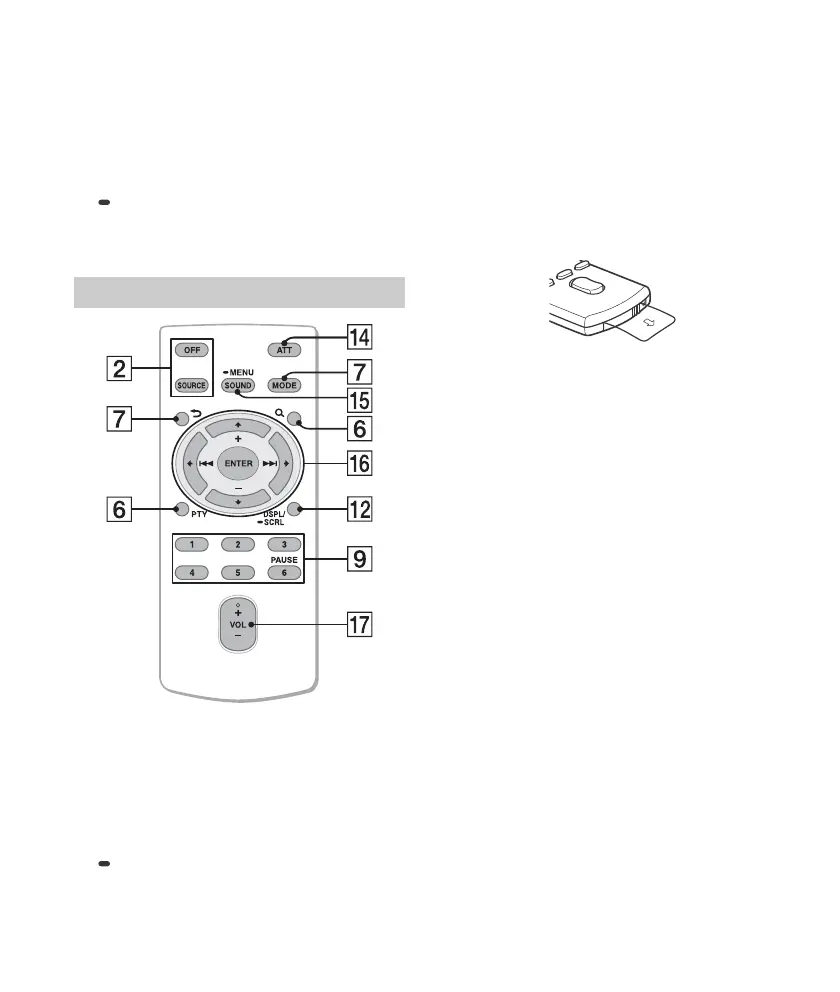
The VOL (volume) + button has a tactile dot.
ATT (attenuate)
Attenuate the sound. Press again to cancel the
attenuation.
SOUND
Open the SOUND menu directly.
MENU
Press and hold to open the setup menu.
///
Select a setup item, etc.
ENTER
Enter the selected item.
/ (prev/next)
+/– (album +/–)
VOL (Volume) +/–
Remove the insulation film before use.
RM-X211 Remote commander



 To Next Page