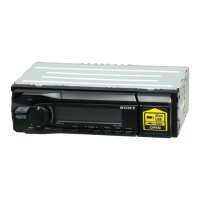
Detaching
the
front
panel
.
You can detach the front panel
of
this unit to
prevent theft.
Caution alarm
If
you turn the ignition switch to the
OFF
position without detaching the front panel, the
caution alarm will sound for a few seconds.
The alarm will only sound
if
the built-in
amplifier is used.
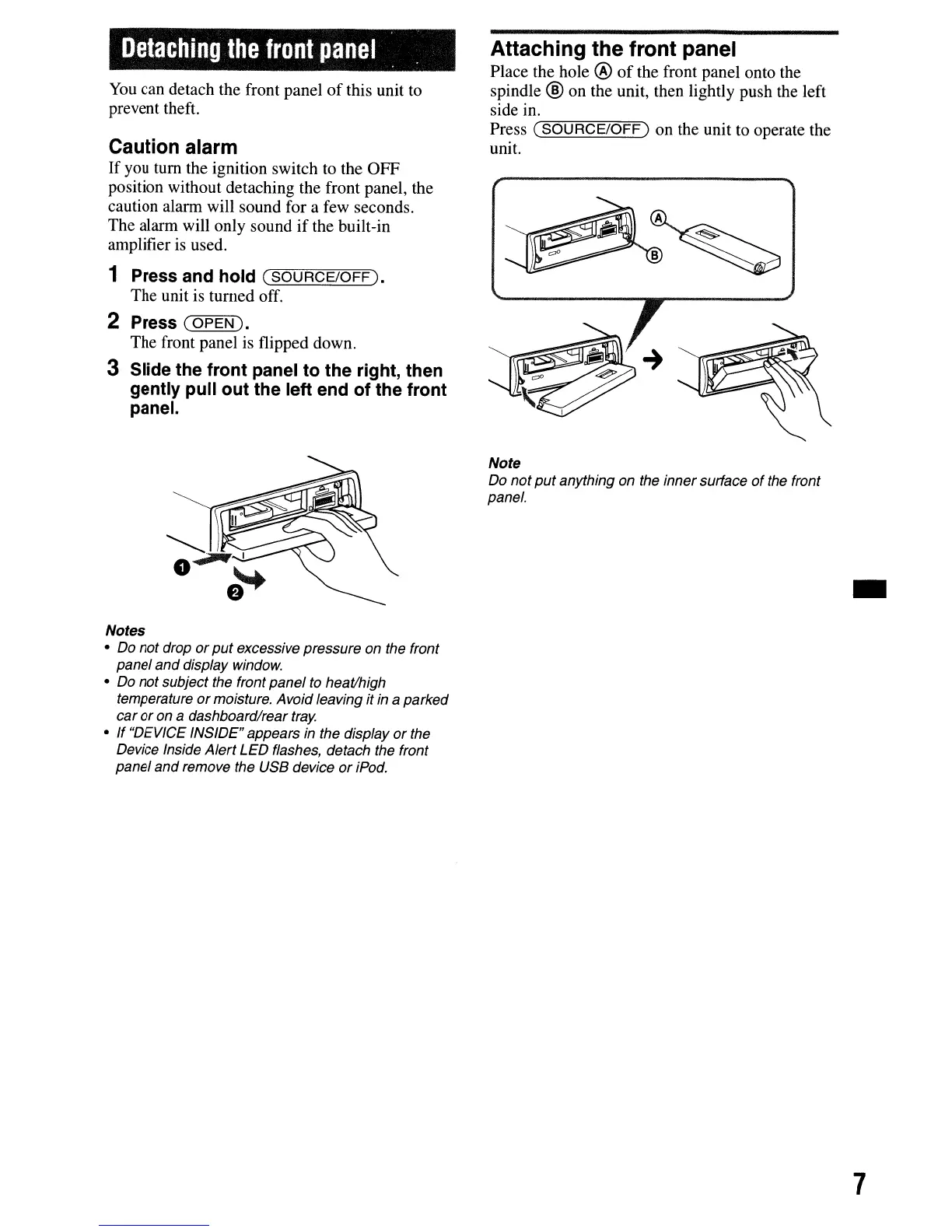
1 Press and hold
(SOURCE/OFF).
The unit is turned off.
2 Press
(OPEN
).
The front panel is flipped down.
3 Slide the front panel to the right, then
gently
pUll
out the left end of the front
panel.
Notes
• Do not drop
or
put
excessive pressure on the front
panel
and
display window.
• Do not subject the front panel to heat/high
temperature
or
moisture. Avoid leaving it
in
a parked
car
or
on a dashboard/rear
tray.
• If "DEVICE INSIDE" appears
in
the display
or
the
Device Inside Alert
LED
flashes, detach the front
panel
and
remove the USB device
or
iPod.
Attaching the front panel
Place the hole @
of
the front panel onto the
spindle
® on the unit, then lightly push the left
side in.
Press
('"""S=O""'U=R=C=E""'/O=F=F="')
on the unit to operate the
unit.
Note
Do not
put
anything on the inner surface
of
the front
panel.
-
7



 To Next Page