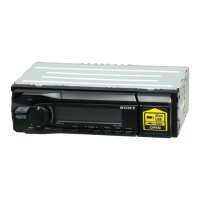
Location
of
controls
and
basic
operations
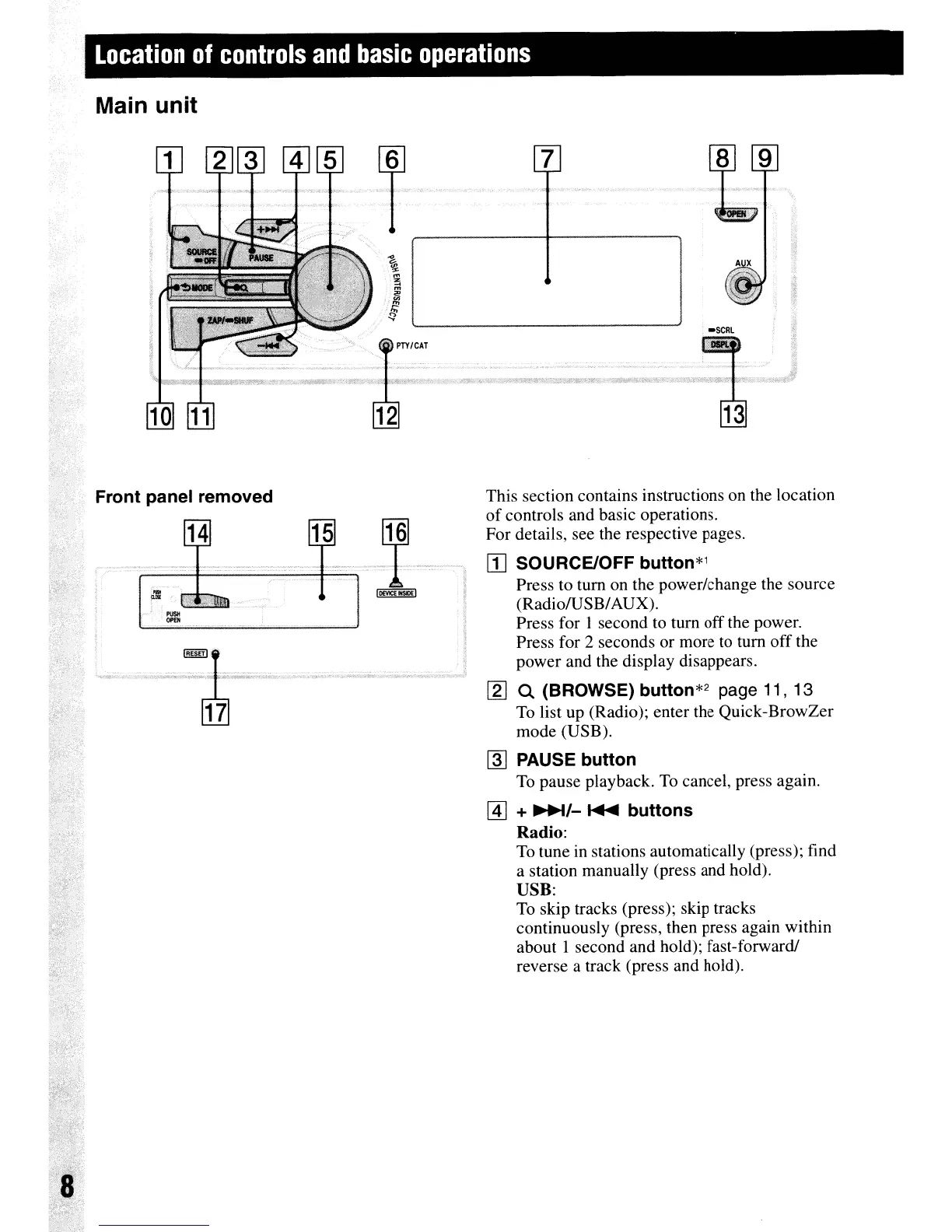
Main unit
This section contains instructions
on
the location
of
controls and basic operations.
For details, see the respective pages.
rn
SOURCE/OFF
button*'
Press to tum on the power/change the source
(Radio/USB/AUX).
Press for I second to tum off the power.
Press for 2 seconds or more
to
tum off the
power and the display disappears.
[g]
Q (BROWSE) button*2 page 11, 13
To
list up (Radio); enter the Quick-BrowZer
mode (USB).
~
PAUSE button
To
pause playback.
To
cancel, press again.
@]
+
~/-
~
buttons
Radio:
To tune in stations automatically (press); find
a station manually (press and hold).
USB:
To
skip tracks (press); skip tracks
continuously (press, then press again within
about 1 second and hold); fast-forward/
reverse a track (press and hold).
~,;;'
:::..
15
14
..
... '
~[ID.
•
PIJSH
OP£N
Front panel removed
·'C-
'.
~.-¥"
f
~
t:'



 To Next Page