23
Playing Discs
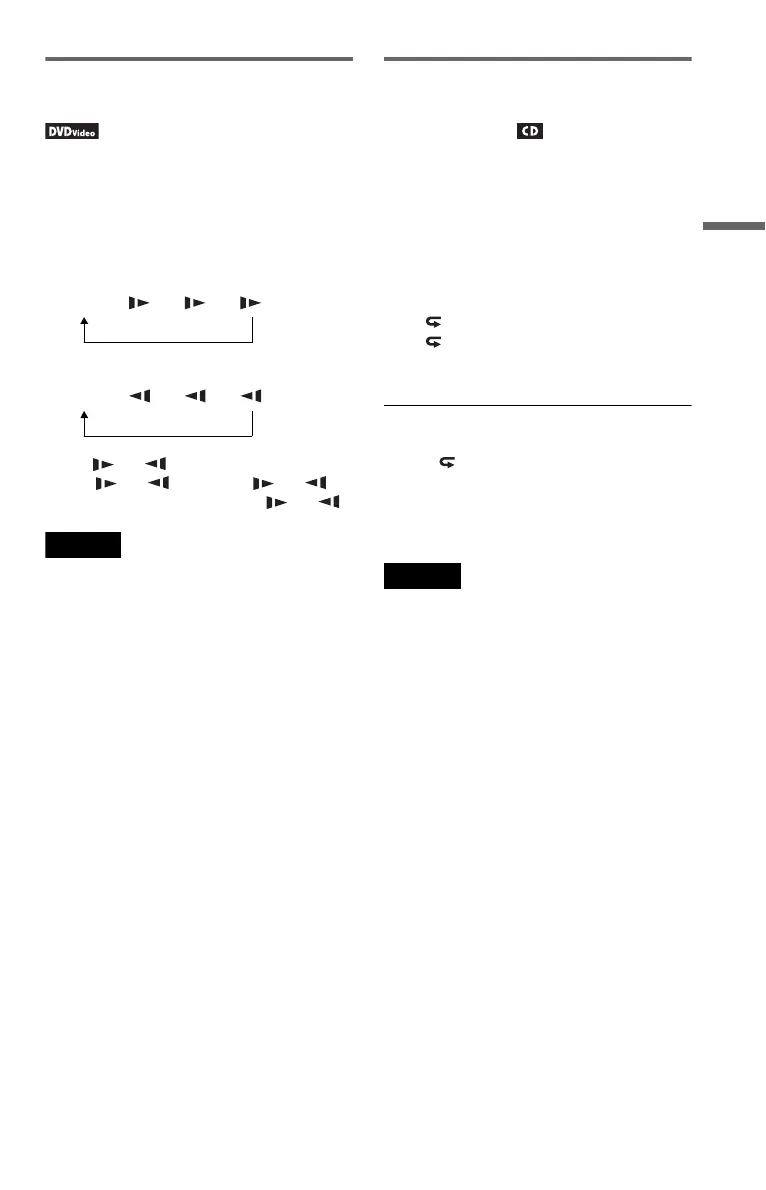
Watching frame by frame
(Slow Play)
Press m or M when the player is in pause
mode. To return to normal speed, press H.
Each time you press m or M during Slow
Play, the playback speed changes. With each
press the indication changes as follows:
◆ Playback direction
◆ Opposite direction
The “3 ”/“3 ” playback speed is slower
than “2 ”/“2 ” and the “2 ”/“2 ”
playback speed is slower than “1 ”/“1 .”
Note
Slow speed differs depending on the disc type.
Playing CD repeatedly or in
random order (Repeat Play,
Random Play)
You can play all of the tracks on a disc, or a
single track repeatedly (Repeat Play).
Also, you can play the tracks in random order,
too (Random Play).
1 Press MENU repeatedly during
playback to select the playback mode.
• Track: repeats the current track.
• All: repeats all tracks on the disc.
• Random: plays all tracks on the disc
randomly.
To return to normal play
Select “ Off” in step 1.
z Hint
During Random Play, you can start playing other
randomly selected track by pressing >.
Notes
• Depending on the disc, Random Play may not be
available.
• The same track may be repeated several times in
Random Play.
H t 1 t 2 t 3
H t 1 t 2 t 3
,continued













 To Next Page