Need help?
Do you have a question about the Sony DVP-SR650P and is the answer not in the manual?
Essential safety warnings to prevent hazards like fire and electric shock.
Guidelines on handling the unit safely, including placement and power.
Instructions for handling and caring for discs to ensure proper playback.
Explains the buttons and operations of the remote control for player interaction.
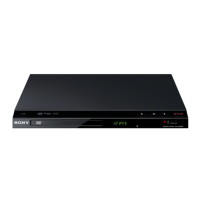
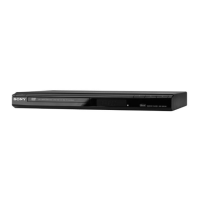
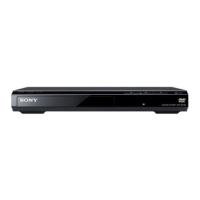
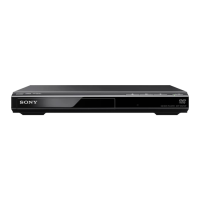
Details the buttons and indicators located on the player's front panel.
Identifies the input and output jacks on the rear of the player for connectivity.
Guides on connecting the player to a TV or audio component using video cables.
Instructions for safely connecting the player to power and preparing the remote.
Basic steps to configure language, screen, and audio settings for immediate use.
How to connect and use USB devices for playing media files.
Steps to insert, play, stop, and pause discs (DVD, CD, VCD).
Explains Programme Play, Shuffle Play, and Repeat Play options for customized playback.
Adjusting picture quality, sharpness, and setting parental control levels.
Configuring OSD language, menu language, and TV aspect ratio.
Adjusting audio output formats, DRC, downmix, and digital signal settings.
Setting speaker size, distance, and levels for optimal surround sound.
Solutions for common problems related to power, picture, sound, and operation.
Lists supported disc types, file formats, and compatible USB devices.
Technical details including power requirements, dimensions, and operating conditions.
 General
| Remote Control | Yes |
|---|---|
| DVD Playback | Yes |
| CD Playback | Yes |
| Progressive Scan | Yes |
| Type | DVD player |
| Disc Formats Supported | CD, DVD |
| Connectors | Composite, S-Video, Component, Optical Audio |
| Playable File Formats | MP3, JPEG |
| Video Output | Composite Video, S-Video, Component Video |
| Video Upconversion | Yes (up to 1080p) |
| Upscaling | Yes (up to 1080p) |

 To Next Page