38
, The player cannot play a recorded disc that
is not correctly finalized (page 41).
The album/track/file names are not
displayed correctly.
, The player can only display numbers and
alphabet. Other characters are displayed as
“
*
”.
The disc does not start playing from the
beginning.
, Programme Play, Shuffle Play, Repeat Play,
or A-B Repeat Play is selected (page 22).
, Resume play has taken effect (page 17).
“Copyright lock” appears and the screen
turns blue when playing in DVD-VR mode.
, Images taken from digital broadcasts, etc.,
may contain copy protection signals, such
as complete copy protection signals, single
copy signals, and restriction-free signals.
When images that contain copy protection
signals are played, a blue screen may appear
instead of the images. It may take a while
when looking for playable images. (For
player that cannot play images that contain
a copy protection only)
Some functions such as Stop, Fast Play,
Slow Play, Slow-motion Play, Repeat
Play, Shuffle Play, or Programme Play
cannot be performed.
, Depending on the disc, you may not be able
to do some of the operations above.
The player does not operate properly.
, When static electricity, etc., causes the
player to operate abnormally, unplug the
player.
5 numbers or letters are displayed on the
screen.
, The self-diagnosis function was activated.
(See the table on page 39.)
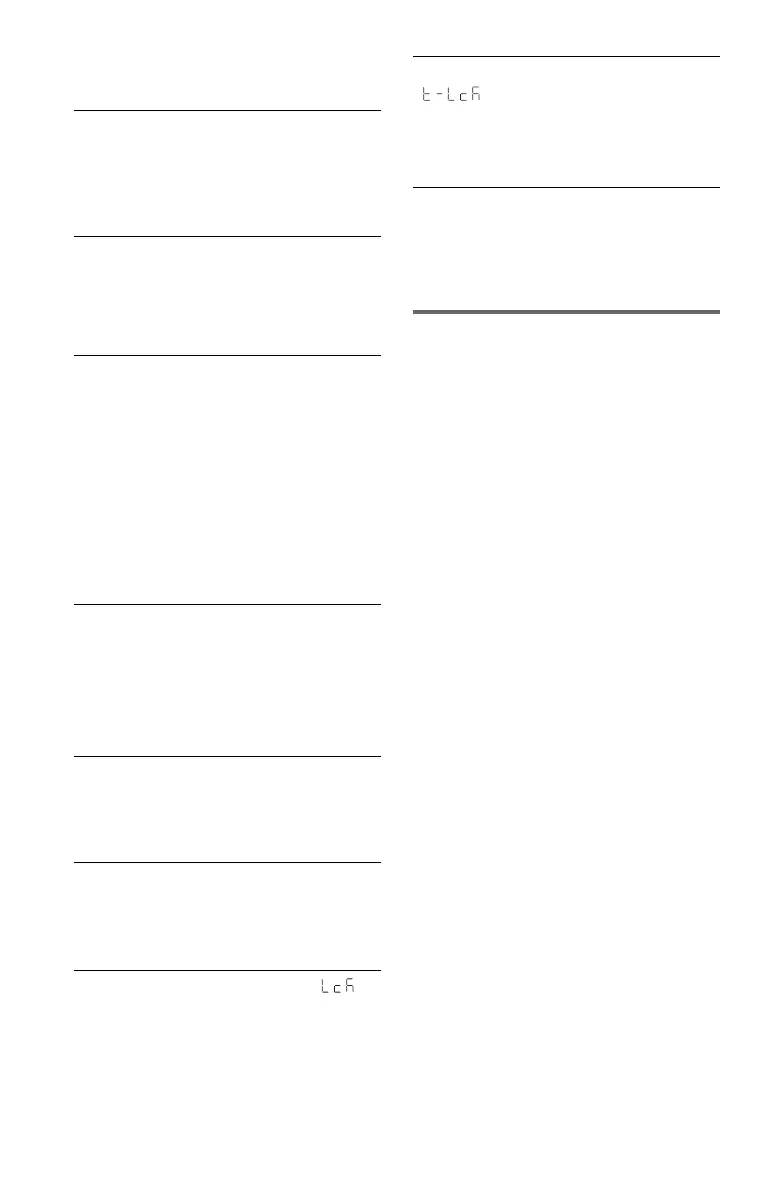
The disc tray does not open and “ ”
(LOCKED) appears on the front panel
display.
, Child Lock is set (page 8).
The disc tray does not open and
“ ” (TRAY LOCKED) appears on
the front panel display.
, Contact your Sony dealer or local
authorized Sony service facility.
“Data error” appears on the TV screen
when playing video, photo, and music
files.
, The video, photo, and music files you want
to play is broken.
USB
The player does not detect a USB device
connected to the player.
, The USB device is not securely connected
to the player (page 16).
, The USB device or a cable is damaged.
, Disc mode has not been switched to USB
mode (page 27).
, Compatibility with all encoding/writing
softwares, recording devices, and recording
media cannot be guaranteed. Incompatible
USB device may produce noise or
interrupted audio or may not play at all.


 To Next Page