6
Parts Identification
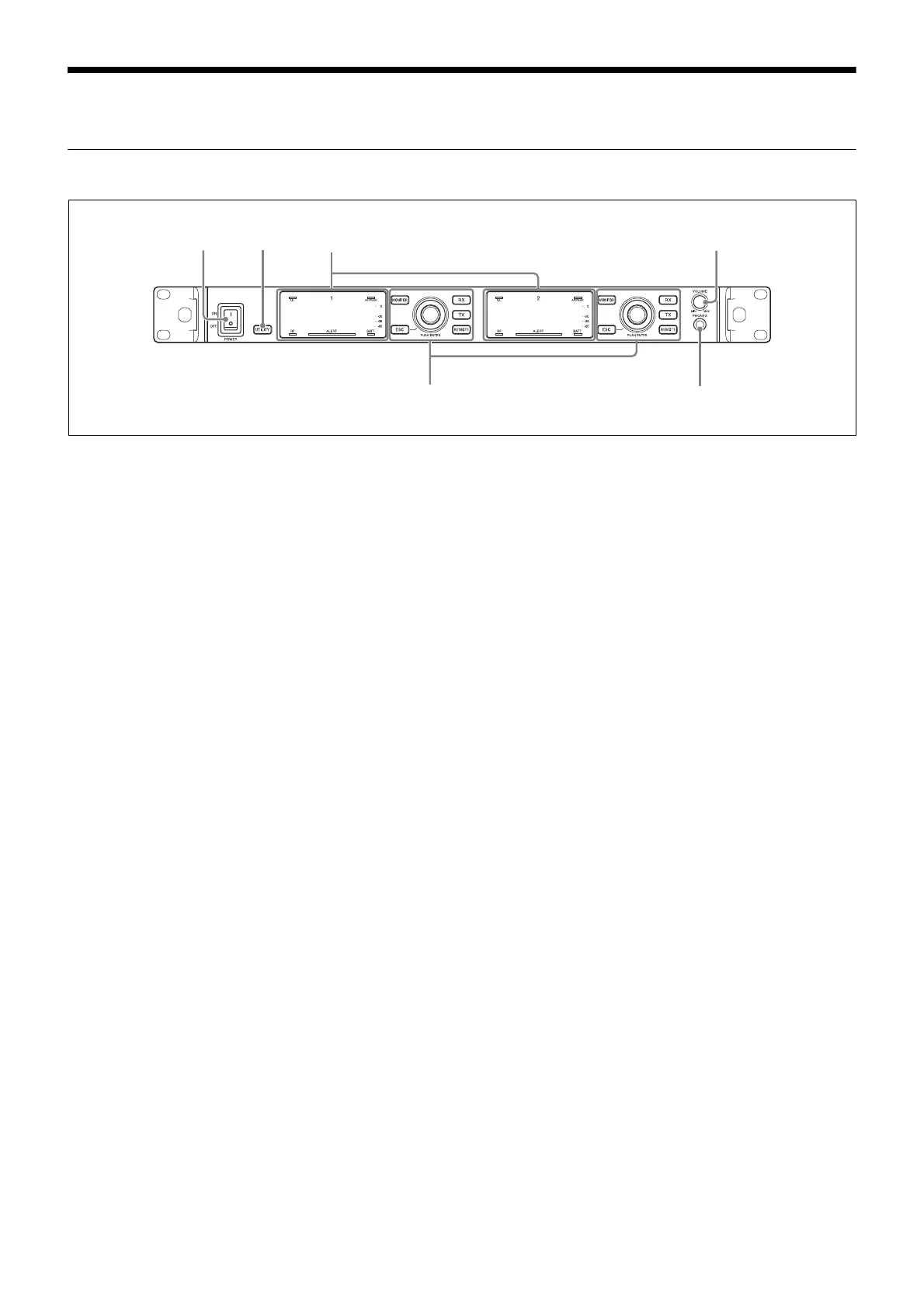
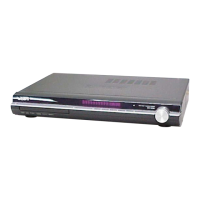
Front Panel
a POWER switch
Turns the receiver on or off.
Set to the \ position to turn the receiver on. Set to the a
position when turning off the main power supply.
b UTILITY (UTILITY menu) button
Press to display UTILITY menu. This button lights up
brightly during UTILITY menu operation.
c VOLUME (monitor volume) control
Rotate to control the monitor volume of the selected
channel.
d PHONES (headphones) terminal
Connect the headphones here.
12 1
4
3
Display (page 7)
Controls (page 8)



 To Next Page