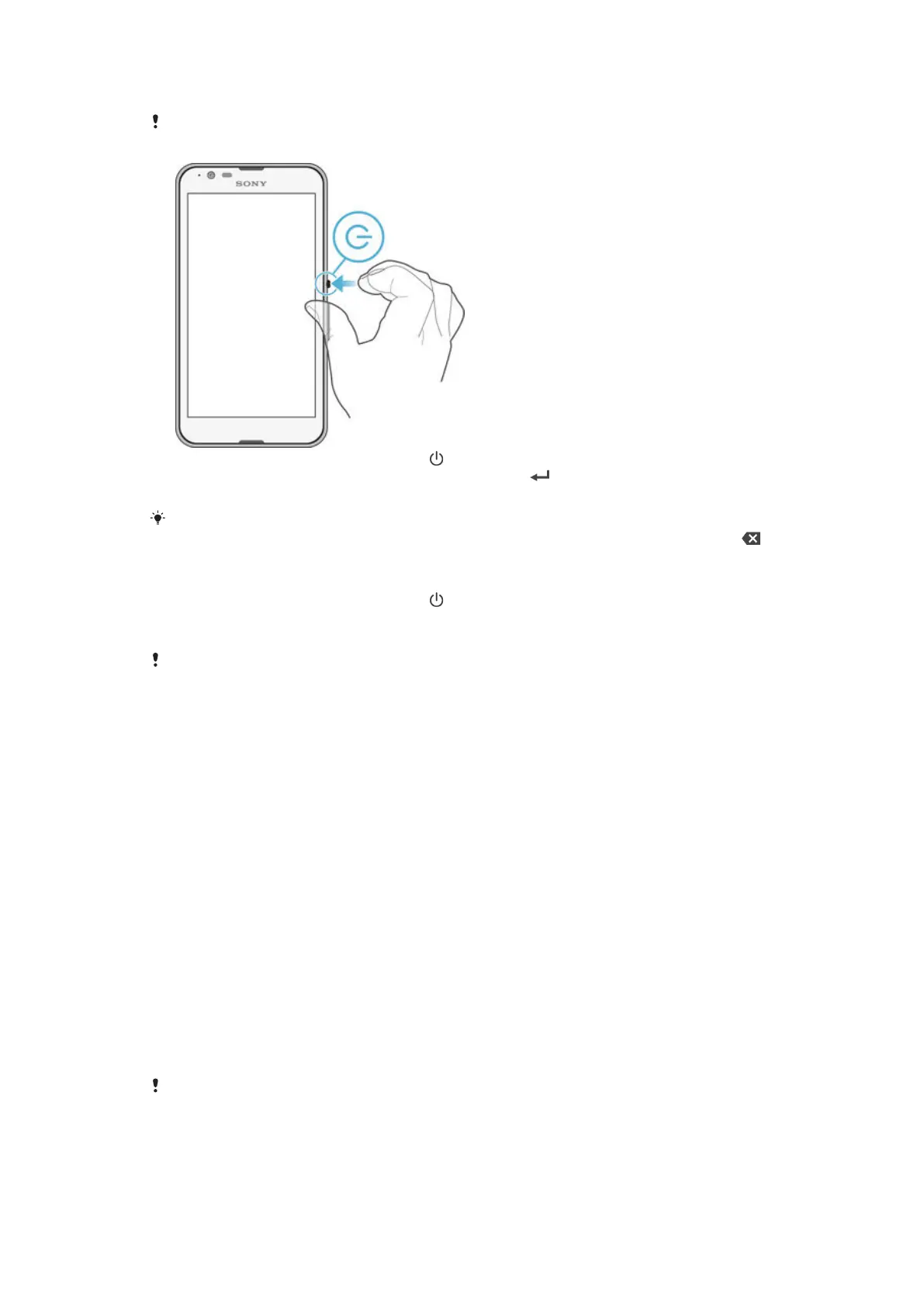
To turn on the device
Make sure that the battery is charged for at least 30 minutes before you turn on the device for
the first time.
1
Press and hold down the power key until the device vibrates.
2
Enter your SIM card PIN when requested, then tap .
3
Wait a while for the device to start.
Your SIM card PIN is initially supplied by your network operator, but you can change it later
from the Settings menu. To correct a mistake made while entering your SIM card PIN, tap .
To turn off the device
1
Press and hold down the power key until the options menu opens.
2
In the options menu, tap Power off.
3
Tap OK.
It may take a while for the device to shut down.
Why do I need a Google™ account?
Your Xperia™ device from Sony runs on the Android™ platform developed by
Google™. A range of Google™ applications and services is available on your device
when you purchase it, for example, Gmail™, Google Maps™, YouTube™ and the
Play Store™ application, which gives you access to the Google Play™ online store
for downloading Android™ applications. To get the most out of these services, you
need a Google™ account. For example, a Google™ account is mandatory if you want
to:
•
Download and install applications from Google Play™.
•
Synchronise email, contacts and the calendar using Gmail™.
•
Chat with friends using the Hangouts™ application.
•
Synchronise your browsing history and bookmarks using the Google Chrome™ web
browser.
•
Identify yourself as the authorised user after a software repair using Xperia™
Companion.
•
Remotely find, lock or clear a lost or stolen device using the my Xperia™ or
Android™ Device Manager services.
For more information about Android™ and Google™, go to
http://support.google.com
.
It is crucial that you remember your Google™ account username and password. In some
situations, you may need to identify yourself for security reasons using your Google™ account.
If you fail to give your Google™ username and password in such situations, your device is
locked. Also, if you have more than one Google™ account, make sure to enter the details for
the relevant account.
10
This is an Internet version of this publication. © Print only for private use.









 To Next Page