
 Need help?
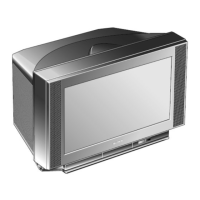
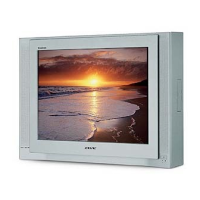
Do you have a question about the Sony FD Trinitron KV-21FX30K and is the answer not in the manual?
Details the functions and operation of each button on the remote control.
Details the functions and operation of each button on the television set.
Guides through initial TV setup, language, country, and channel tuning.
Explains how to navigate the on-screen menu system using remote control buttons.
Allows adjustment of picture settings and selection of picture modes.
Allows adjustment of sound settings and selection of sound modes.
Set a timer for the TV to automatically switch to standby mode.
Set a timer for the TV to automatically switch on from standby mode.
Select the menu language and the country of operation.
Automatically search for and store all available TV channels.
Change the order of channels as they appear on the screen.
Name channels using up to five characters.
Designate names for external equipment connected to the TV.
Preset channels or video input sources one by one.
Automatically reduce picture noise visible in the broadcast signal.
Select the source to be output from the Scart connector.
Readjust the horizontal position of the picture for RGB sources.
Correct picture slant caused by earth's magnetism.
Switch on Teletext, select pages, and navigate between pages.
Overlay teletext on TV, freeze pages, and reveal hidden information.
Press the Teletext button to exit Teletext mode.
Access teletext pages using one button push via colour-coded menus.
Connect VCR using SCART lead. Refer to manual for details.
Smartlink direct link between TV and VCR. Use SCART lead to Scart :2/qE.
Connect decoder to Scart :2/q. Use 'Manual Programme Preset' for decoder settings.
Connect Hi-Fi to audio output D, select 'Sound Adjustment' menu, set 'TV Speakers' to 'Off'.
Connect equipment to the appropriate TV socket as indicated.
Turn on the connected equipment.
Press the input button repeatedly until the correct input symbol appears.



 To Next Page
 General